Onboarding and getting set up
Trust before the askThe first few minutes of a screen-time app, before it has proven anything, when it is already asking to see how you use your phone. Every competitor treats this as a formality to click through. GG treats it as the first real conversation.
Why it matters
Onboarding is the one screen where GG has done nothing for the user yet, and is already asking for something big: access to Screen Time. Every source in this category's research names permission setup as a weak point, from One Sec's manual Shortcut configuration to Opal's own help article for a permissions screen that gets stuck. The category rushes past this moment. A voice coach cannot out-block anyone, but it can out-honest every static form on this screen, and that honesty is what earns the grant in the first place.
one sec
the manual ritual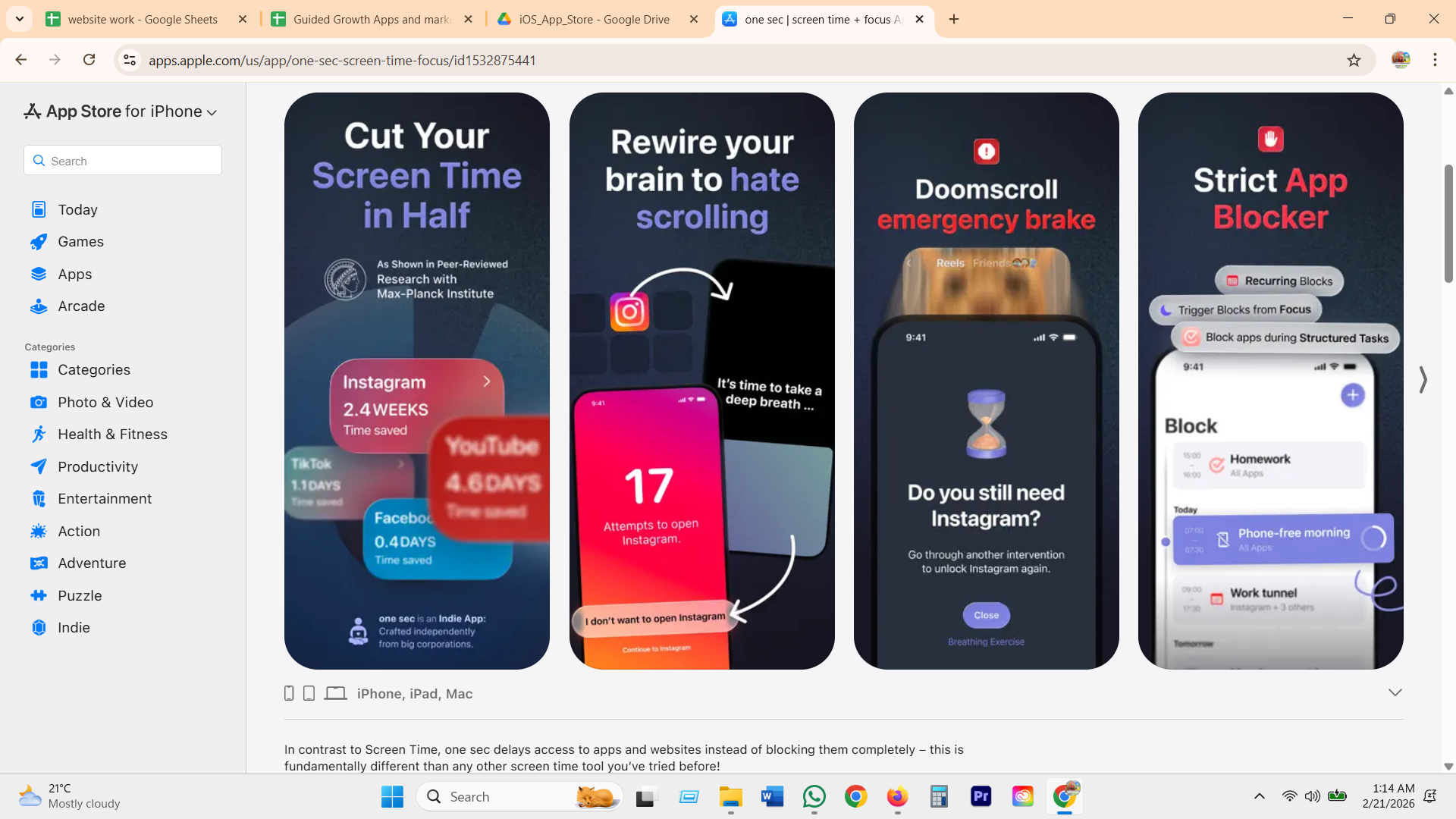
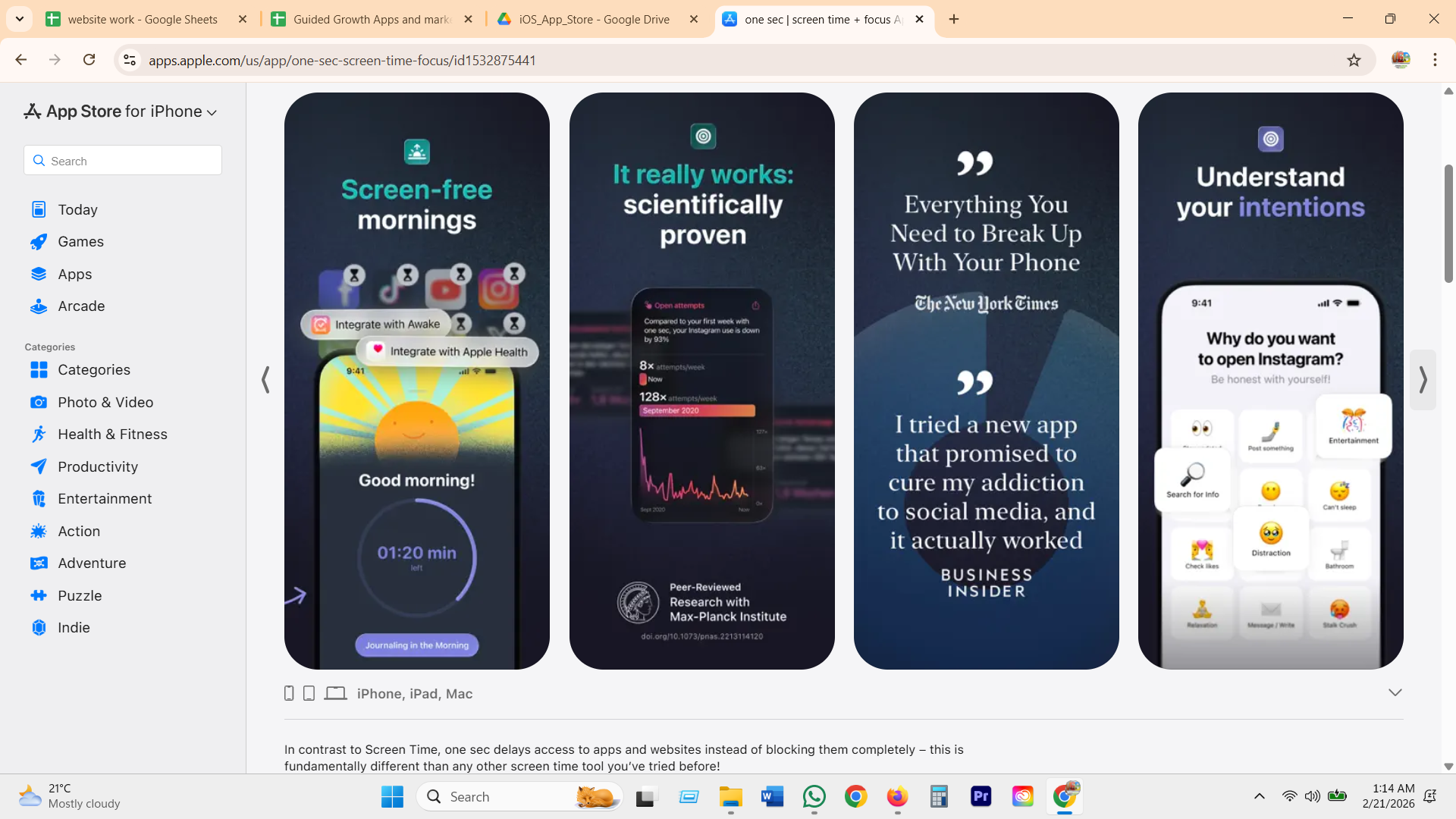
Setup means hand-building a personal iOS Shortcut for each app you want to slow down, the most technical first-run flow in the category, then a rotating reason-chip screen asking why you are opening the app.
Opal
the fast payoff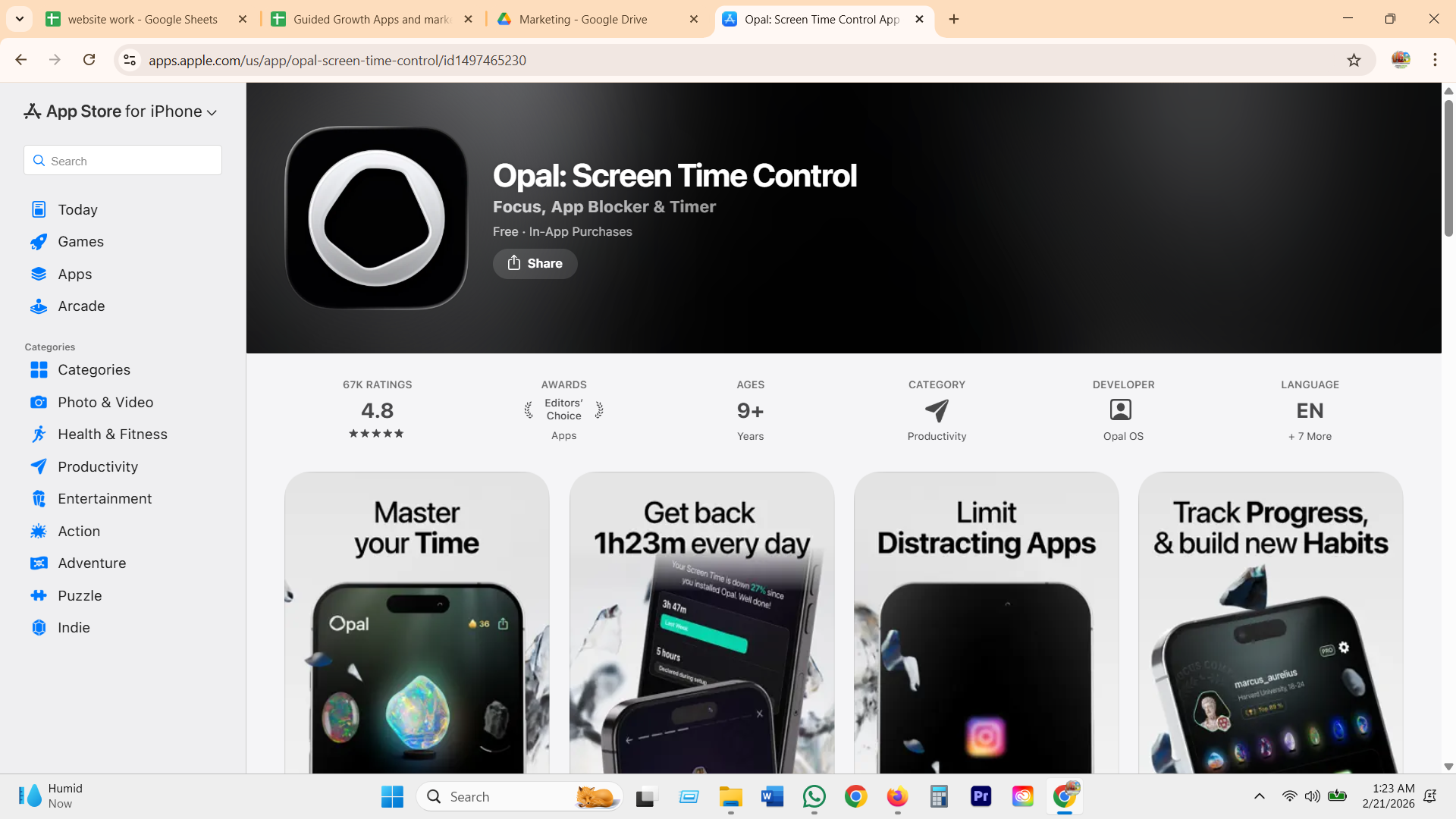
Shows a projected time saved the moment setup data is entered, then staggers the rest over a 30-day program, basic sessions first, community and leaderboard withheld until day 14 so social comparison does not scare off a new user.
Jomo
the preset shortcut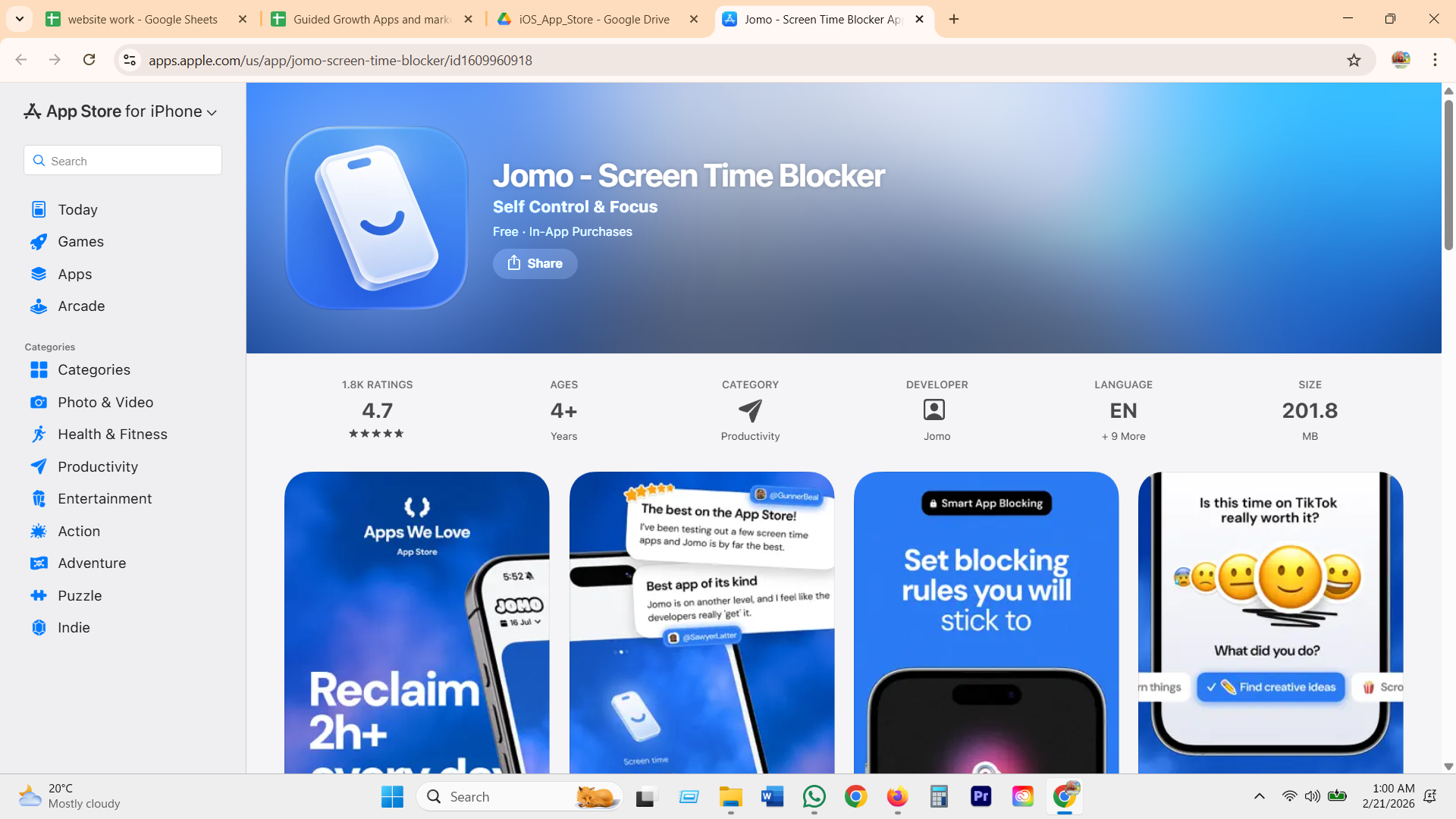
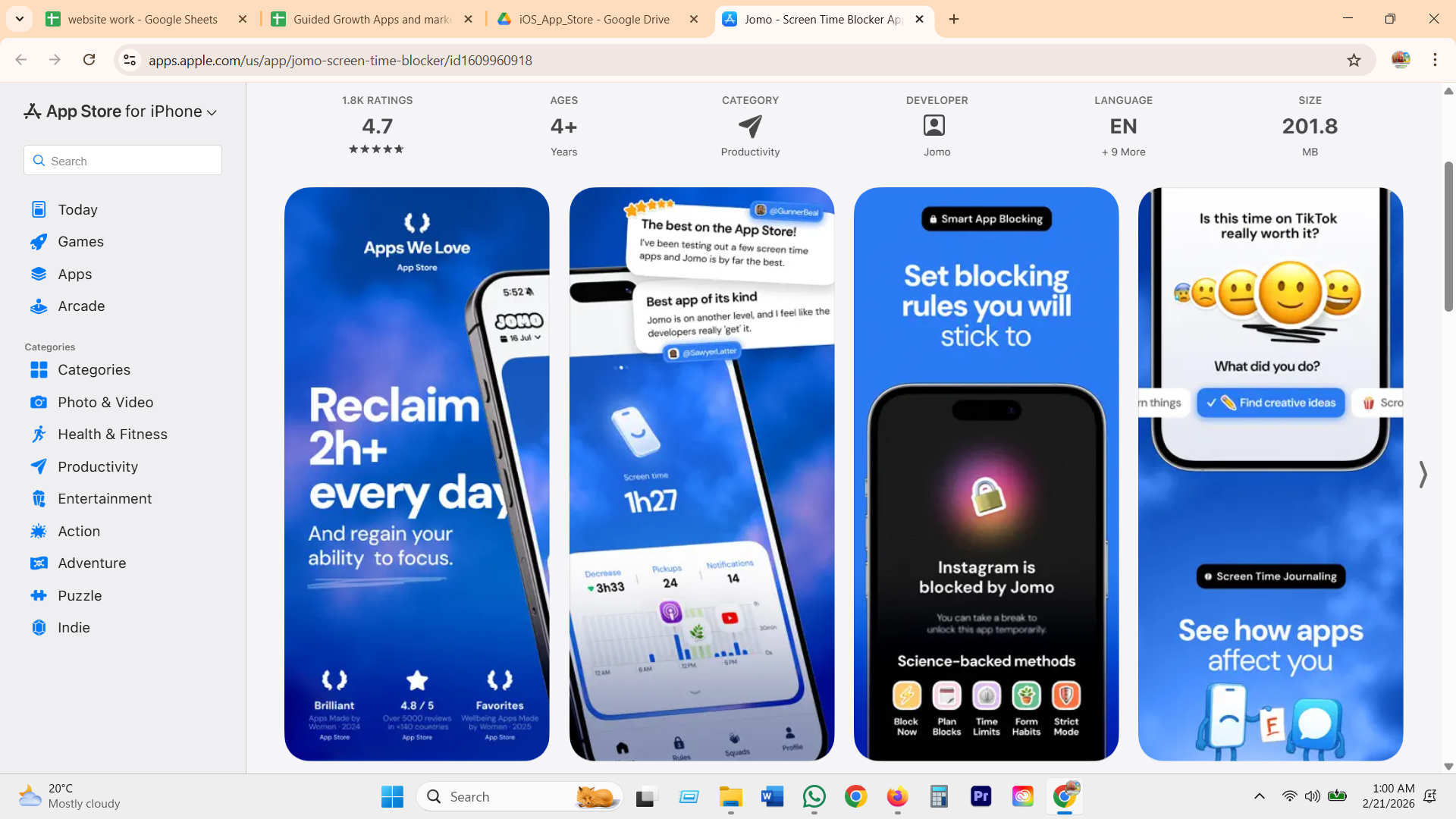
Over 20 ready-to-use blocking rule presets let a new user pick a rule instead of building a schedule from nothing, the strongest first-session-to-value bridge found across the whole category.
ScreenZen
the free-first proof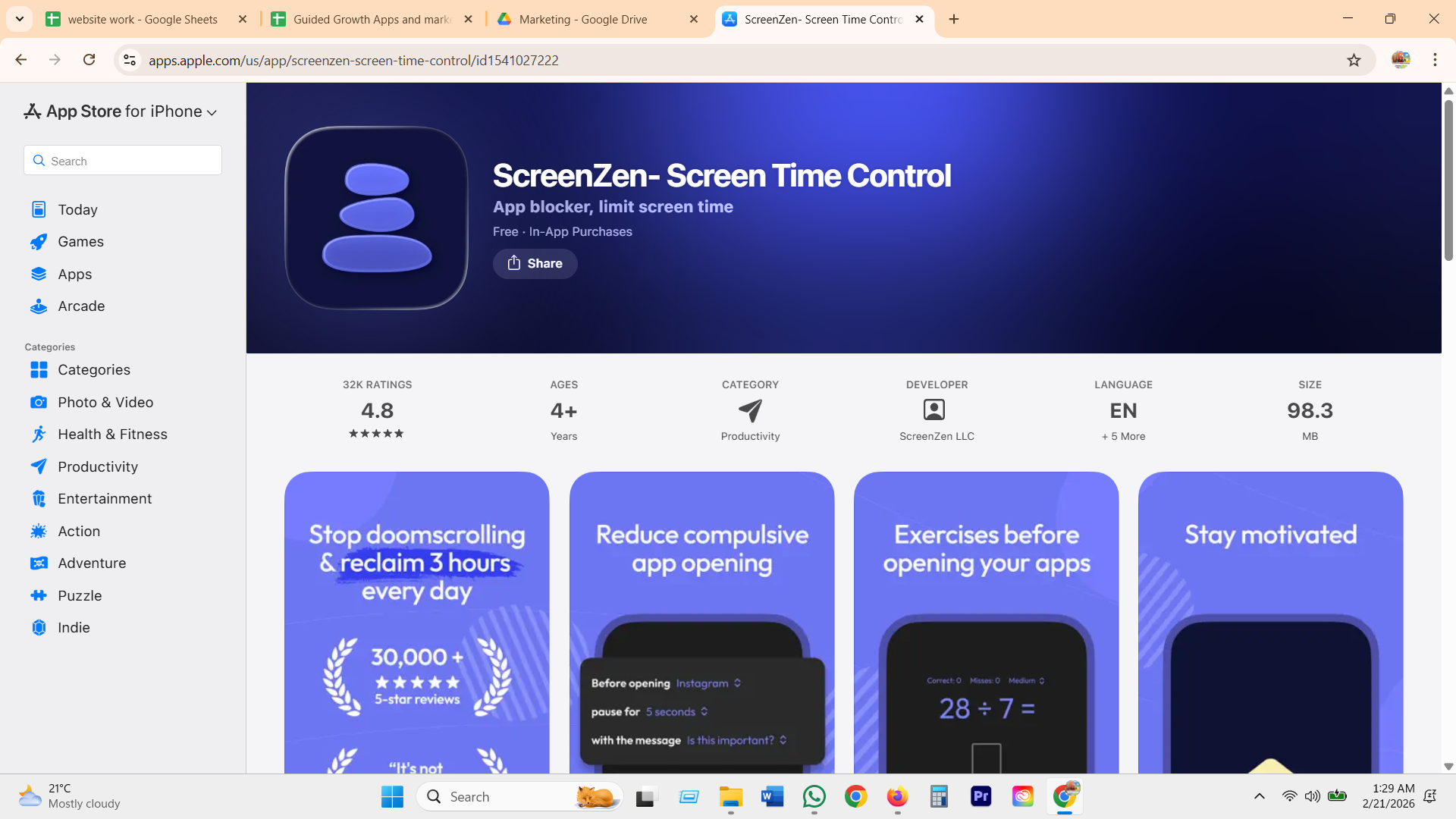
Sets up a per-app pause and a self-written reflection line during onboarding, free and donation-supported with no paywall in the way, a choice reviewers repeatedly call out against subscription-heavy competitors.
Freedom
the one-decision setup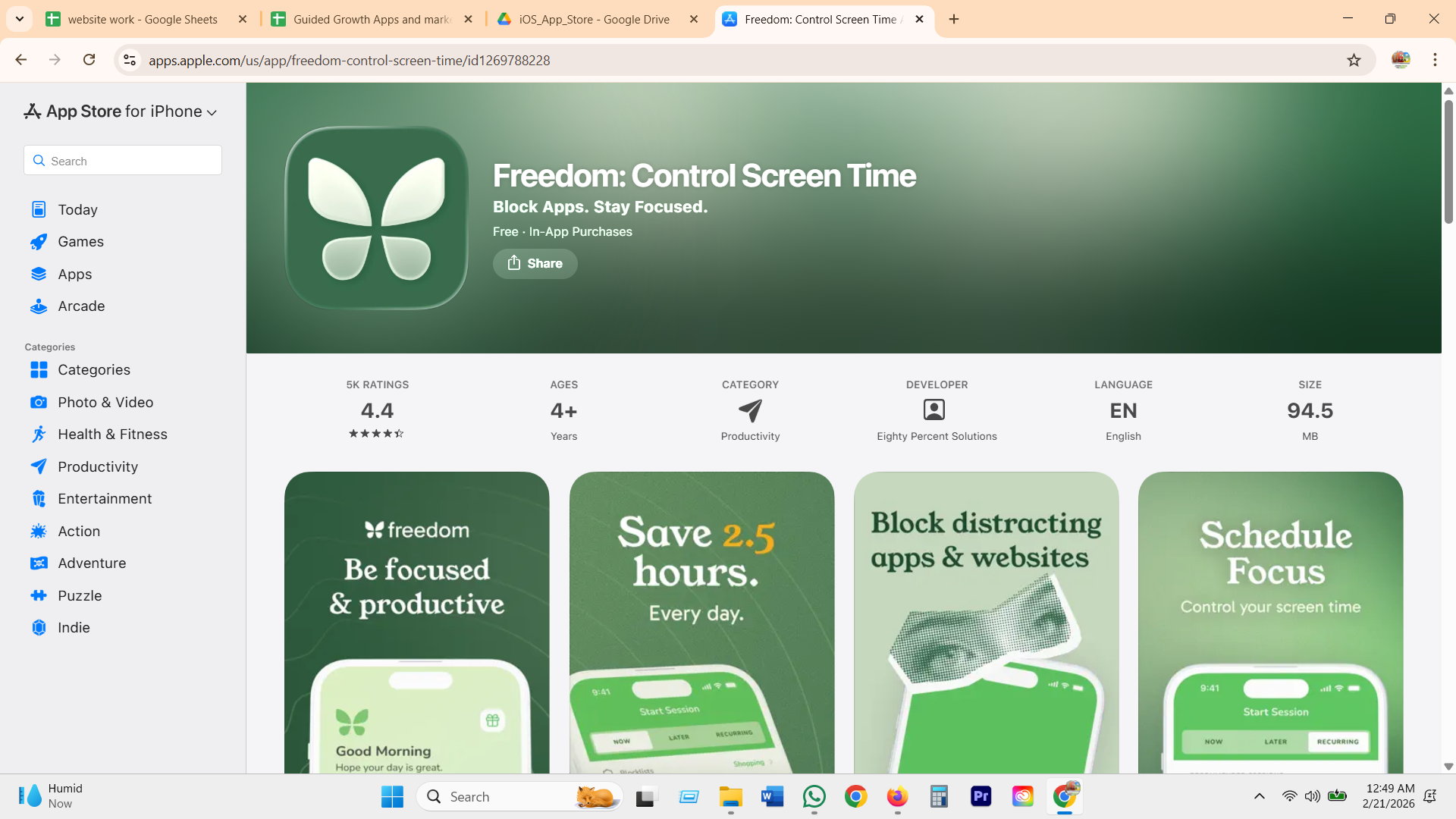
Setup is a single recurring session, for example every weekday 9 to 1, synced automatically across every device the moment it is created, so the decision only gets made once.
GG's version: three honest steps, then you are set
What GG does
- Explains exactly what the coach can and cannot see before it asks for Screen Time access, not after, so the permission is a kept promise rather than a legal screen nobody reads.
- Takes Jomo's instinct to hand you a preset, but the preset is your own reason in your own words, not an app category.
- Takes Opal's fast first-run payoff, but the payoff is one small, visible boundary you can undo, not a manufactured "weeks saved" number.
- Starts with one boundary, not a schedule to configure, because the category's own reviews show new users abandon setup screens that ask for too much before proving anything.
Picking apps and your reasons
GG differentiatorEvery blocker starts the same way: pick some apps from a list. The whole category treats that list as the setup. GG treats the next question, why you actually reach for them, as the real product.
Why it matters
One app is never one reason. You open the same app to take a break, to escape, to numb out, to stay in the loop, sometimes for real work or a laugh. A single label for a whole group is fake, and a coach built on a fake label gives fake help. So GG captures the range of reasons you use these apps, in plain words, then uses them at the one moment they matter: when you reach for the app and the coach can ask which reason is really driving this, and whether opening it gives you that.
one sec
reason chips
Closest to the right idea. A screen asks "why do you want to open Instagram" with tappable chips: Search for Info, Distraction, Can't sleep, Stalk crush. But setup runs through Apple Shortcuts (the most technical first-run in the category), and the survey recurs at every unlock.
Jomo
intention fieldPer unlock, a free-text field asks "what is your intention this time", the only competitor that captures a reason in the user's own words rather than a fixed menu. Picked apps also feed 20-plus ready-made blocking rules, so setup skips decision paralysis.
Opal
no reason, just apps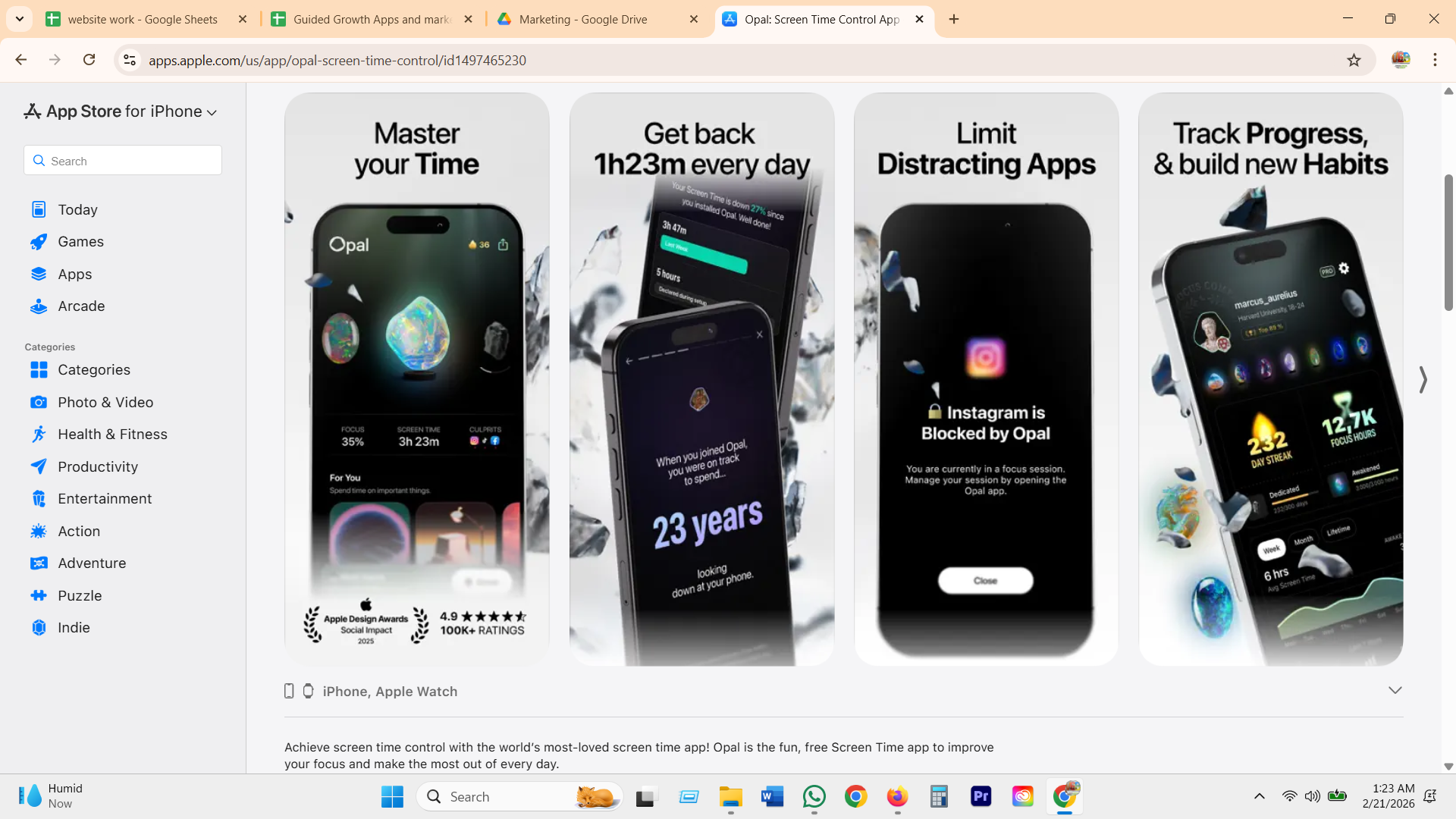
Apps or categories get picked into a focus session, then Opal auto-surfaces the top "Culprits" per app with a week-over-week change. Strong on the numbers, but it never asks why you use them, so the whole thing stays about minutes, not motives.
ScreenZen
self-written message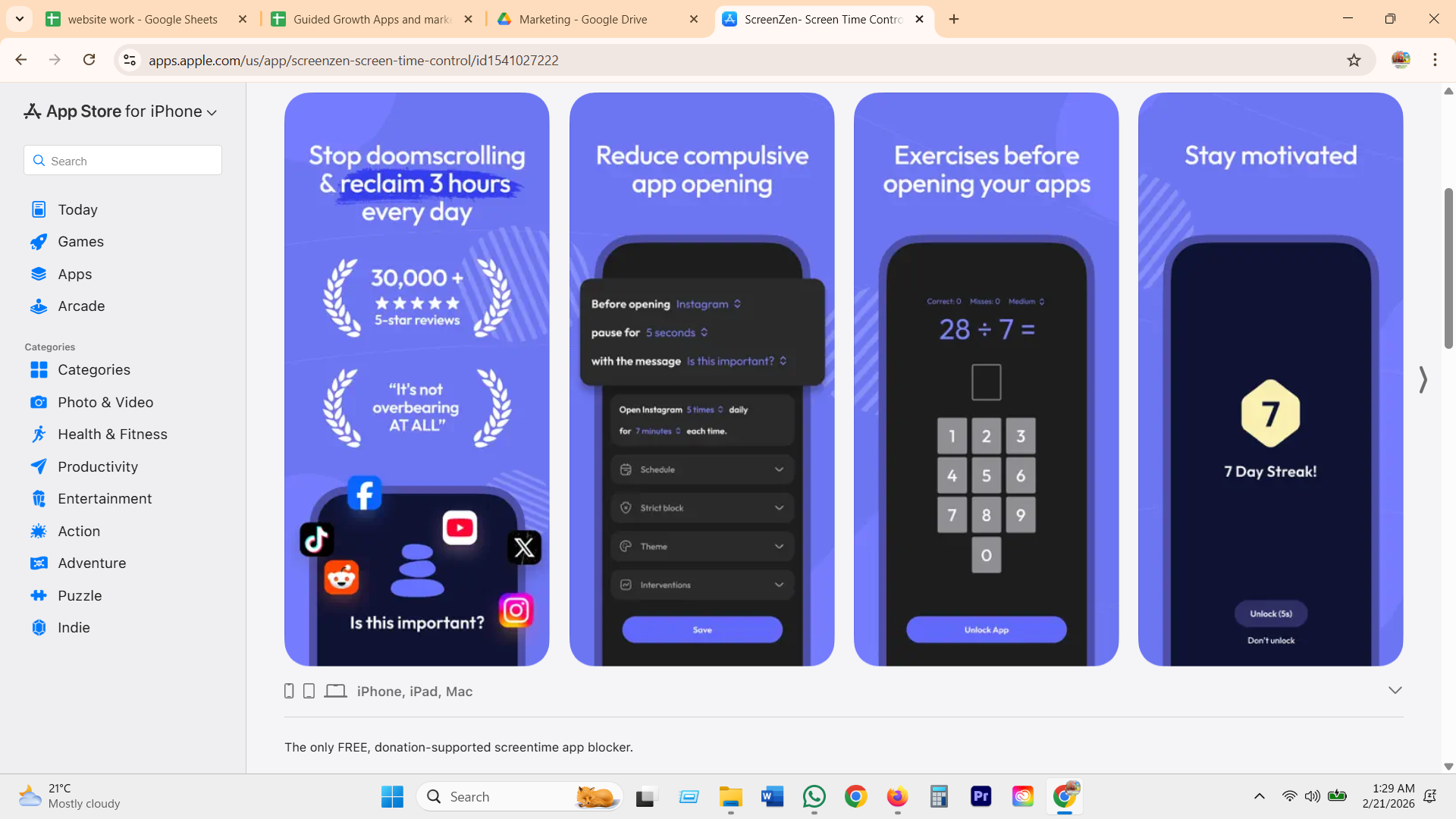
Rules can target one feature inside an app (block Reels, leave messaging), and the friction prompt can be a personal message you write for yourself, on top of a plain "is this important?" default. A message, but not a set of reasons that adapt to the moment.
GG's version: pick the apps, then the reasons you reach for them
What GG does
- Uses the same system picker everyone already trusts. Table stakes stay table stakes, no proprietary app-discovery maze.
- Then asks the real question once, at setup: what are the reasons you reach for these? You pick as many as fit, in plain words, not one label.
- The reasons adapt to the kind of apps you picked. Social apps offer social reasons, a news or shopping app would offer its own.
- Takes one sec's reason chips and Jomo's in-your-own-words intention, but asks it once, and saves it every unlock. Those reasons come back at the blocked moment, so the coach can ask which one is driving this and whether it is giving you that.
The blocked moment
GG wins hereThe instant a user opens an app they are trying to cut down on. Every app throws up a wall here. It is the most-hated screen in the category, and GG's biggest opening.
Why it matters
This is the make-or-break moment. The user is usually bored, tired, lonely, or avoiding something, and a cold gray wall either gets ignored or gets rage-uninstalled. The whole category treats this screen as a denial. GG treats it as the one moment a coach can actually help, which is exactly where a voice coach beats a static wall.
one sec
the breath
Forces a deep breath and a short wait before the chosen app opens. Calm, simple, effective at breaking the autopilot reach.
ScreenZen
breathe + reasonA breathing delay plus a prompt to state why you are opening the app, then a choice to continue or close.
Jomo
block + actionBlocks at set times, after limits, or until an action is taken. Firmer than a pause, configurable.
Opal
hard focusFocus sessions with a stricter lock and a Focus Score. Strong for people who want a commitment device.
Roots
playful / Monk ModeRanges from playful camera actions to a strict Monk Mode you cannot turn off until the next day.
GG's version: the wall becomes a conversation
This is your pause point
What GG does
- Takes one sec's pause and ScreenZen's "why" prompt, but makes it a real, optional voice conversation, not a fixed ritual that wears off.
- Quotes the user's own reason back, in their words, stored at setup. No competitor does this.
- The override is honest and non-shaming. Five intentional minutes, logged, never a red failure. That fixes the number-one "prison" complaint.
- The coach can ask one short question ("what are you hoping this gives you right now?") and route to a breath, a return, or a deliberate few minutes.
Schedules, limits, and focus sessions
a soft limit, not a wallThe structure a person sets up ahead of time, before the moment even shows up: a protected window, a daily cap, a committed focus block. Every serious blocker in this category has a version of this. Almost none of them make it feel like anything other than configuration.
Why it matters
Willpower runs out fastest in the moment. A schedule and a limit are how a person borrows structure from an earlier, clearer-headed version of themselves. Freedom answers this with a named recurring session synced across every device. Opal answers it with a strict focus session and a score. Jomo answers it with a graduated menu of friction the user can dial up or down per app. GG takes the shape of all three (a window, a soft limit, one template) but treats the limit as a tripwire the coach quietly watches, not a countdown clock the user has to manage.
Jomo
schedules + graduated friction
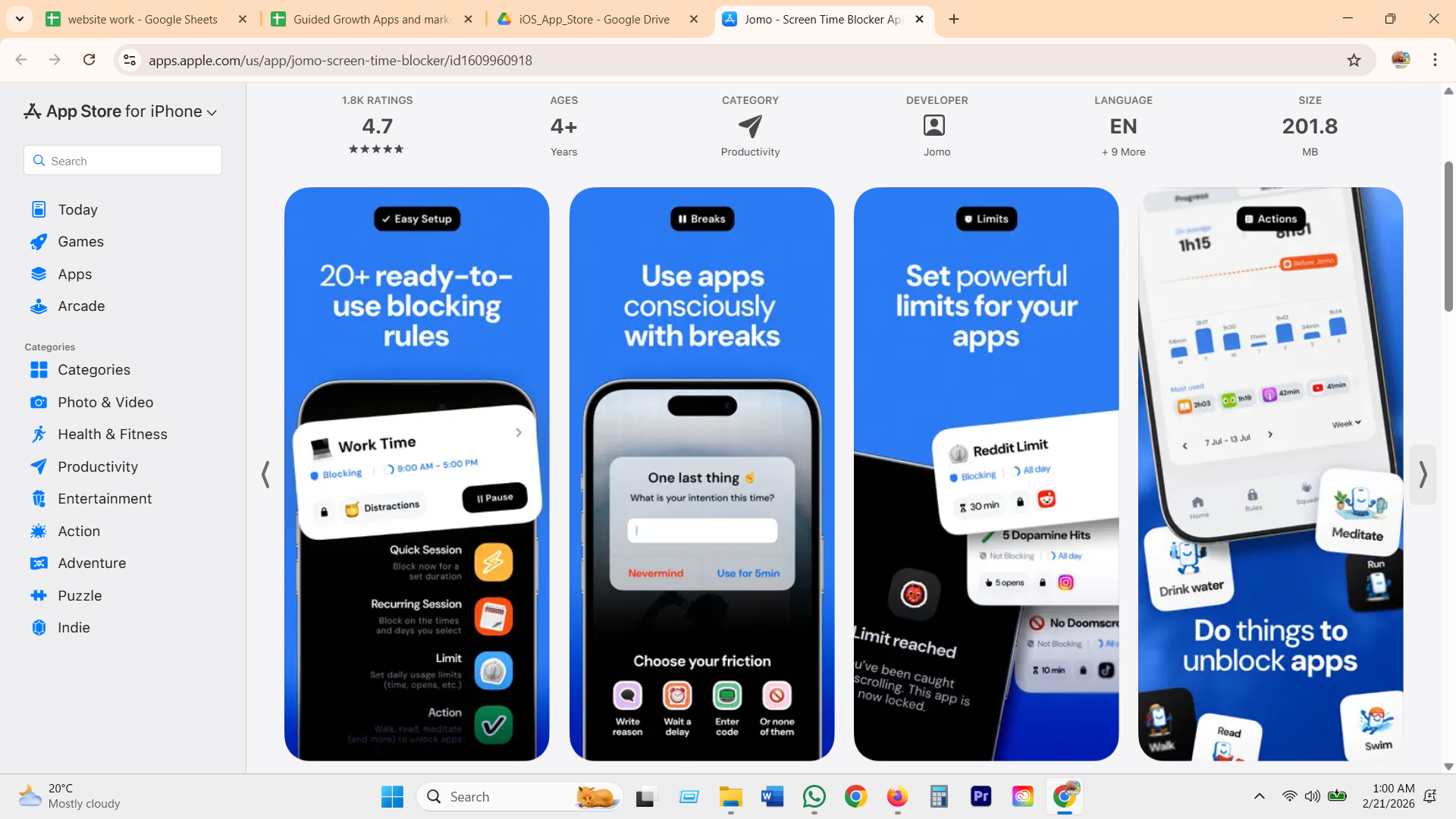
Recurring blocking rules by day and time (a "Work Time" schedule, 9 to 5), plus a friction menu set per app: write a reason, wait a delay, enter a self-set code, or none at all. Limits count opens as well as minutes, reframed as "5 Dopamine Hits" rather than a bare number.
Opal
focus sessions + score
Three-tier session strictness: Normal, Timeout with an escalating delay between breaks, and Deep Focus, which literally cannot be ended early. A Focus Score, gems, and cosmetic "block style" unlocks sit on top of the session itself.
Freedom
recurring cross-device sessions
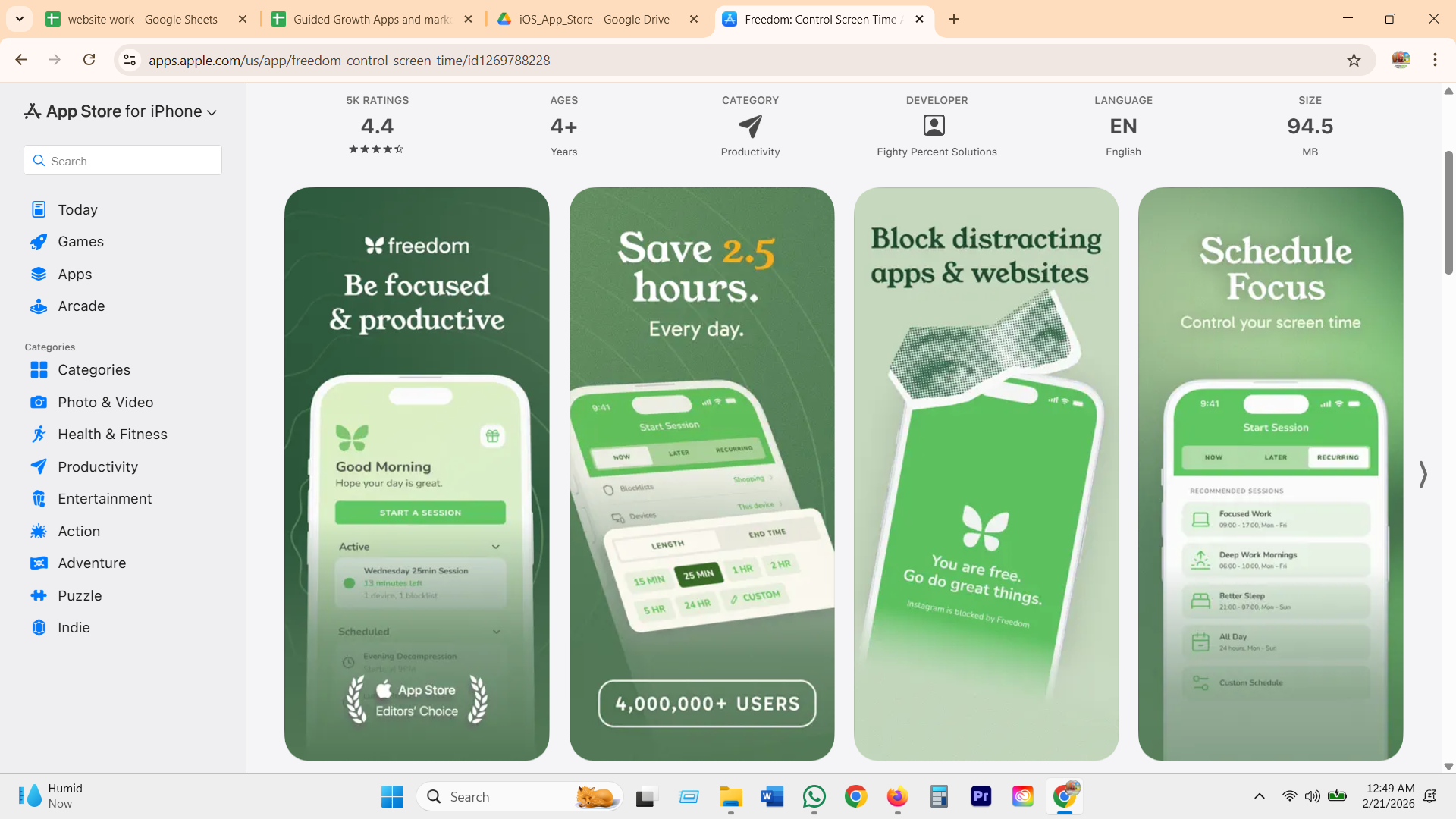
Named recurring sessions ("Deep Work Mornings," 06:00 to 10:00, Monday to Friday) sync live across phone, laptop, and browser. Locked Mode disables logout entirely and allows only one emergency end per week.
GG's version: one window, one honest limit
Set a boundary
What GG does
- Takes Freedom's one-named-window idea and Jomo's soft limit, but skips the schedule-builder UI. "Protect my evening" sets both in one tap.
- The limit is a tripwire the coach watches for a threshold crossing, not a live countdown of exact minutes. That is the honest, on-device model, not a claim GG cannot back up.
- No score, no gems, no leaderboard. Opal's Deep Focus is the one mechanic people say actually worked, so GG keeps the real commitment and drops the cosmetics that draw the "bloat" complaints.
- Crossing the limit is not a locked wall. It is a heads up, phrased the way GG always frames an override: honest, no shame, logged. Adjust the limit in the mock and watch it flip.
Usage insights and dashboard
Honest by designThe screen where a user checks how their week actually went. The category's answer is more charts. GG's answer is two honest views of the same week, one exact for the user, one plain about what the coach actually has.
Why it matters
People do want to see the number, the trend, the proof that something changed. But a dashboard alone only measures behavior, it never knows whether the change actually helped. GG can show the same exact numbers the category shows, on-device, while being straight about the much smaller, privacy-preserving slice the coach itself works from. Nobody else has to make that distinction, because nobody else has a coach talking back.
RescueTime
Productivity Pulse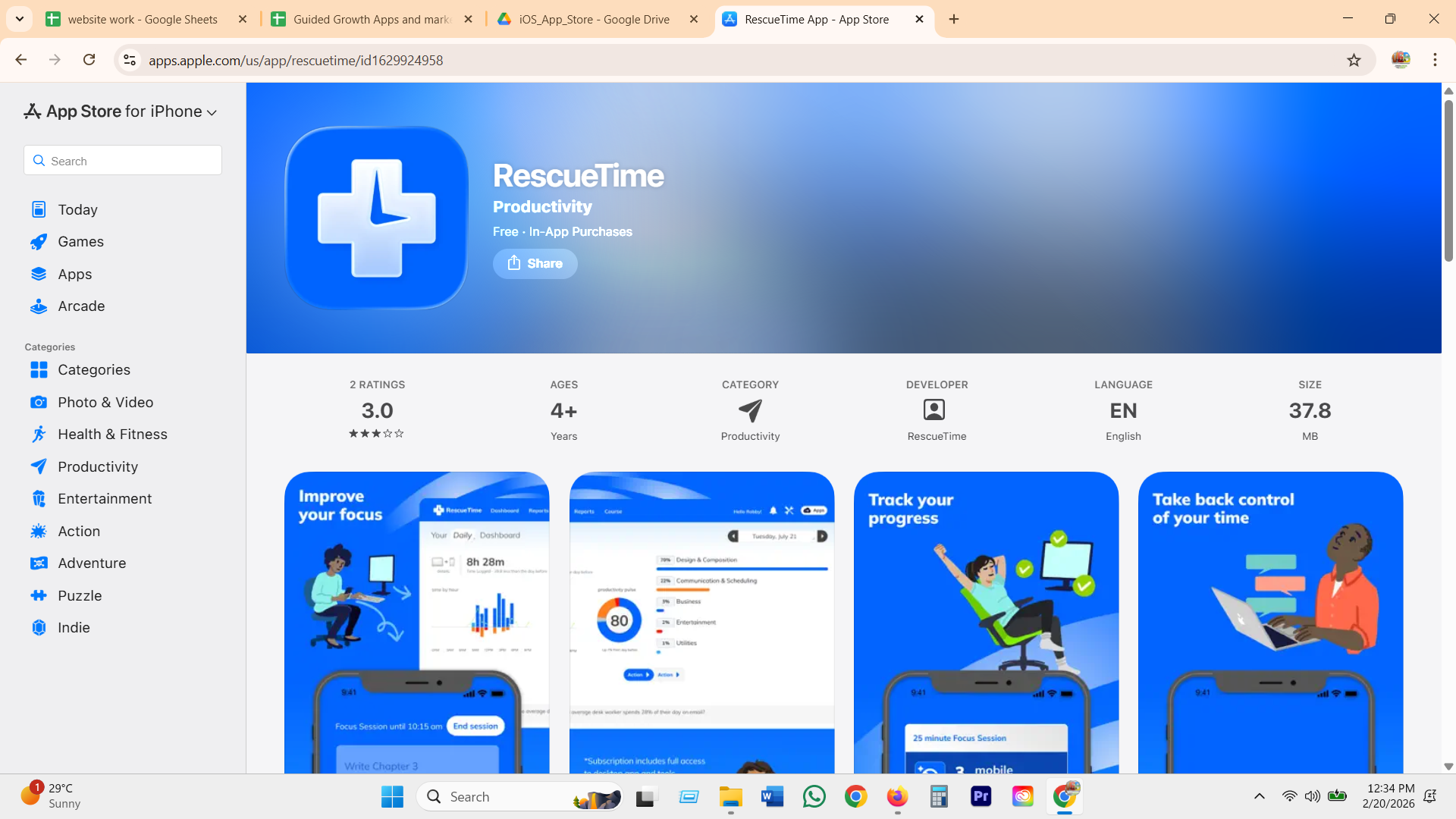
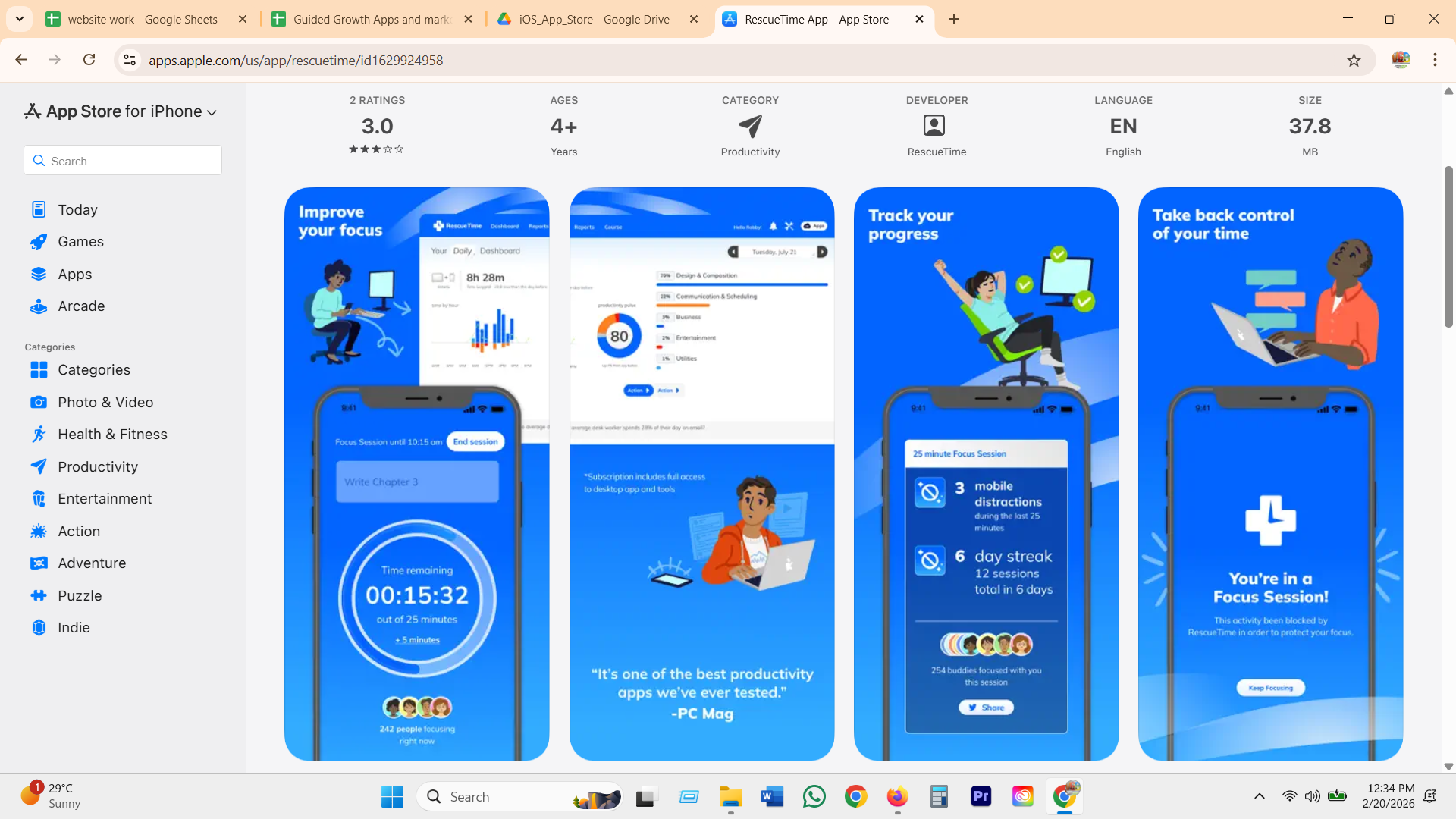
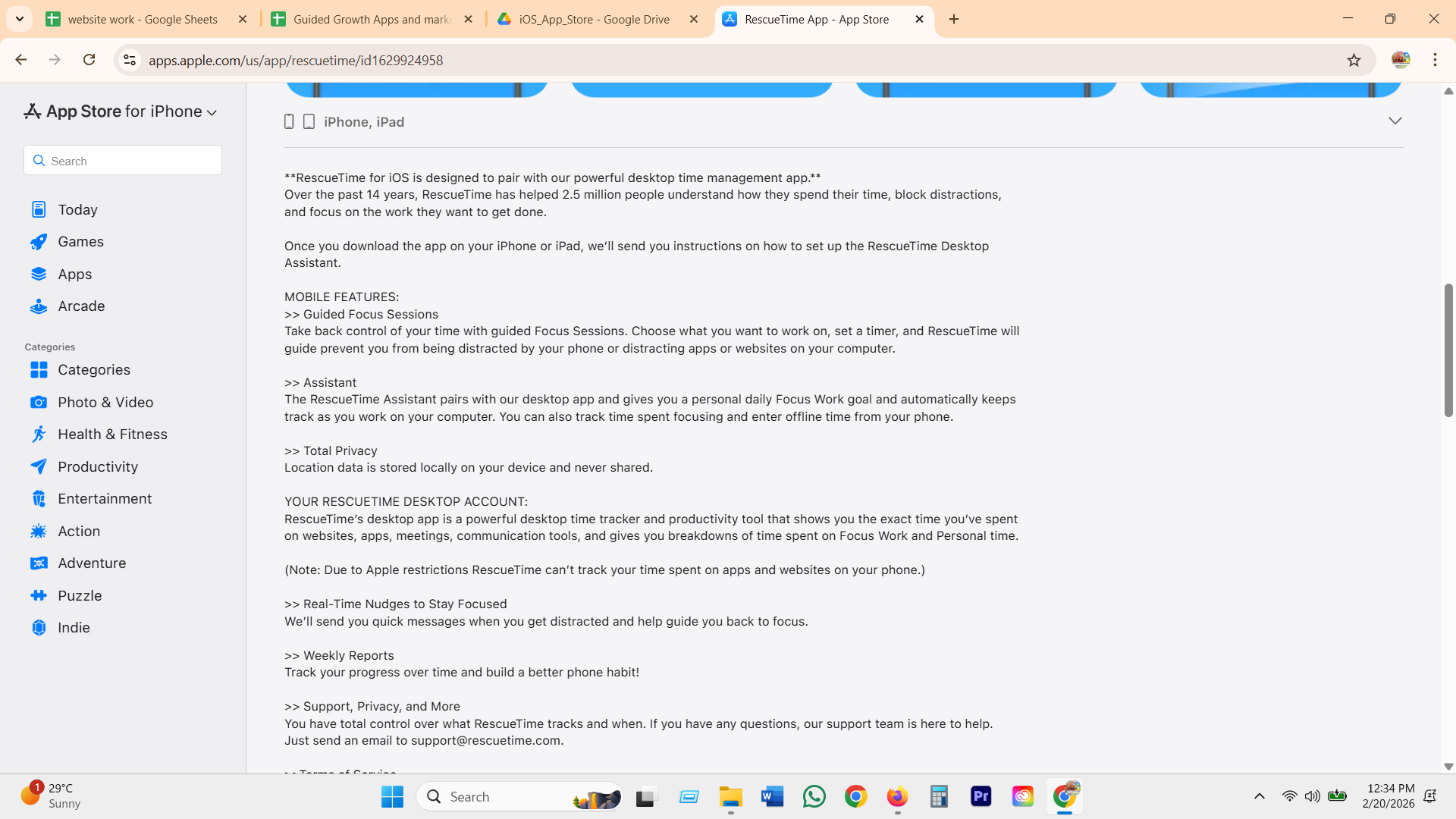
A fully automatic 0 to 100 Productivity Pulse, time-weighted across five categories from Focus Work to Distracting, no manual tagging. Plus standing Goals with alerts and a scheduled Monday weekly digest email.
Rize
session quality score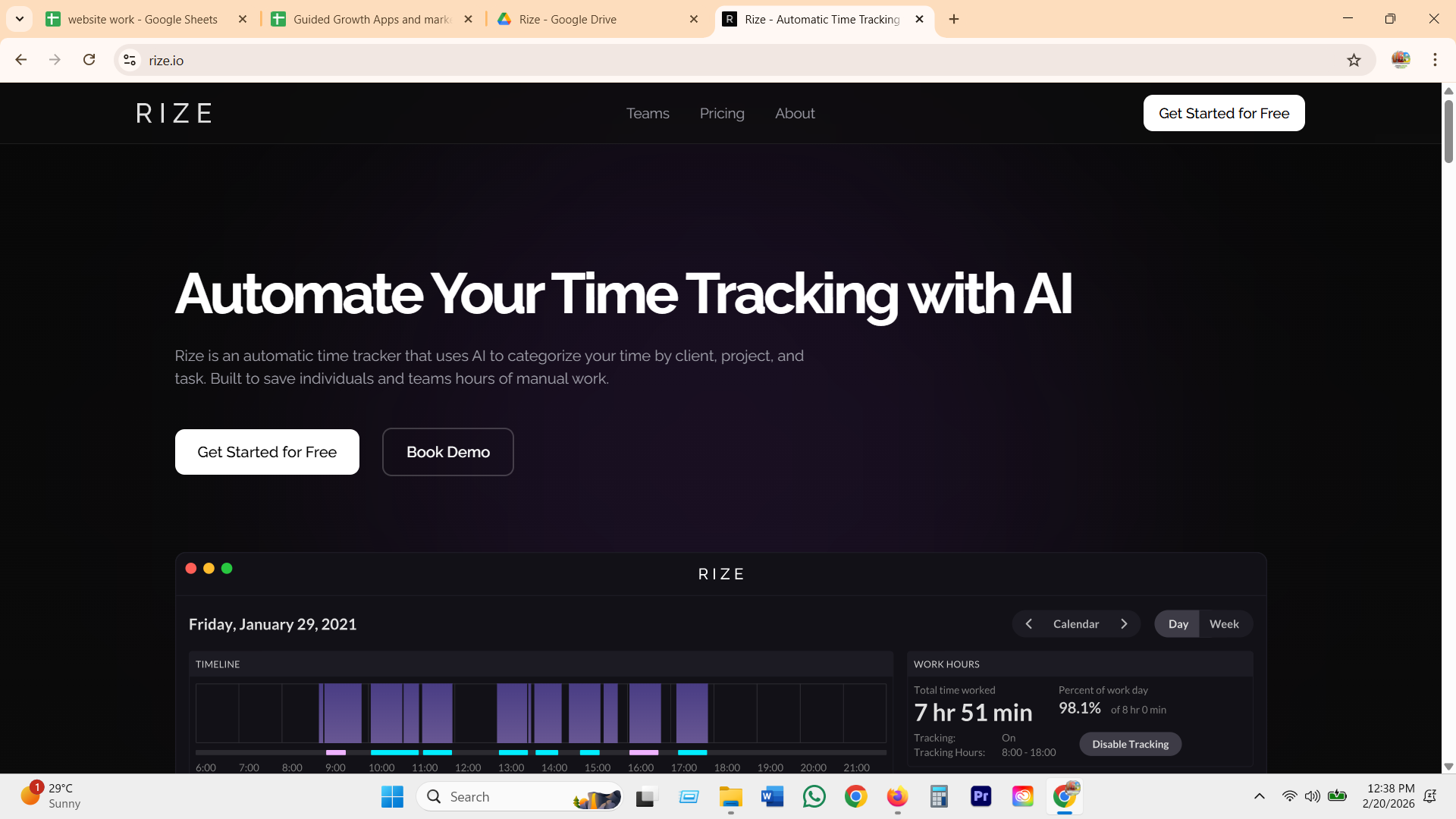
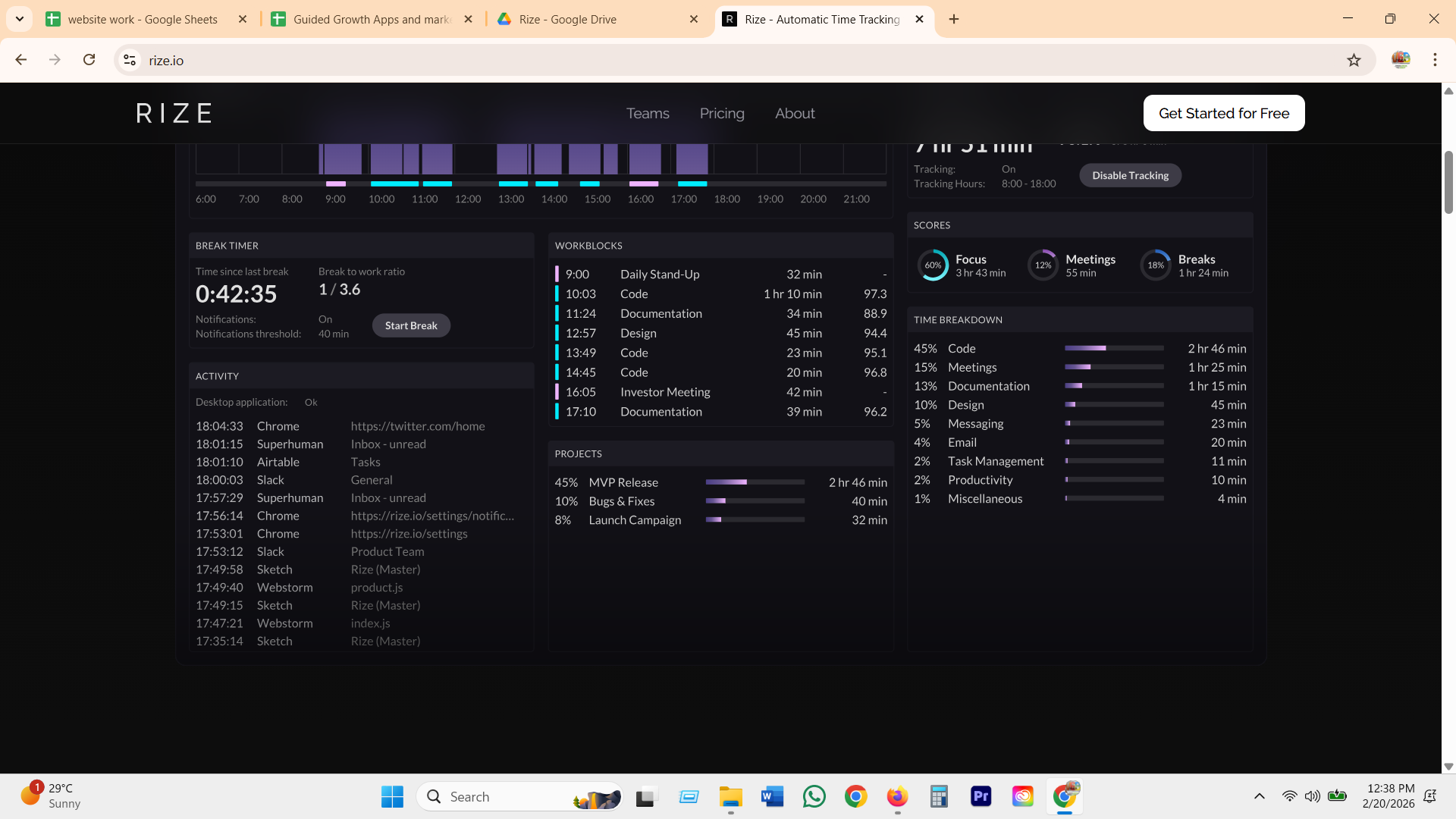
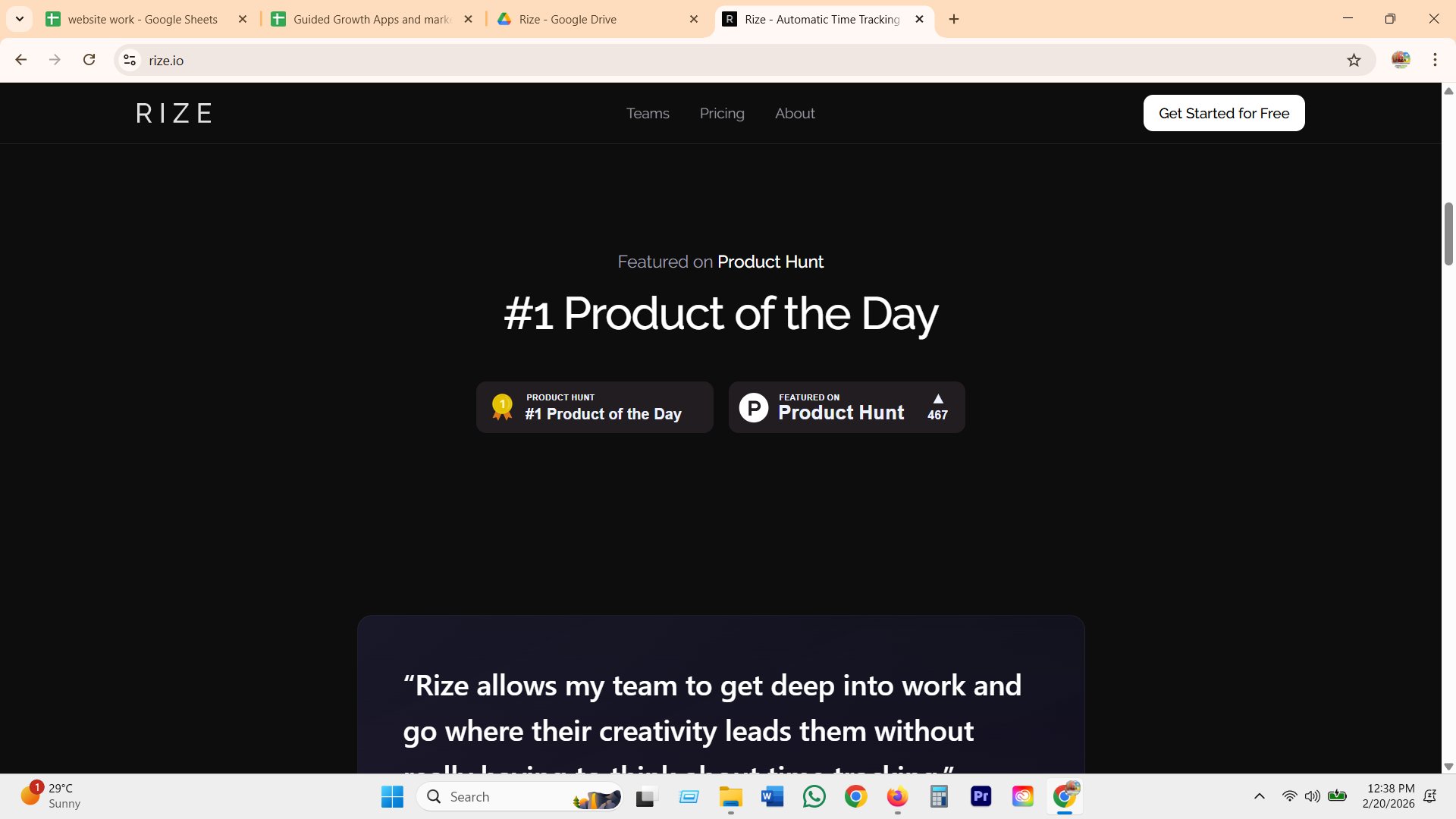
Goes one level deeper than a daily total: every auto-detected work session gets its own quality score out of 100, built from 20+ behavioral attributes, entirely in the background, no timer to start.
StayFree
the free baselineA straightforward pickups-and-time-per-app counter, sitting in the same free-baseline tier as Apple Screen Time and Android Digital Wellbeing.
Opal
reports + Focus Score
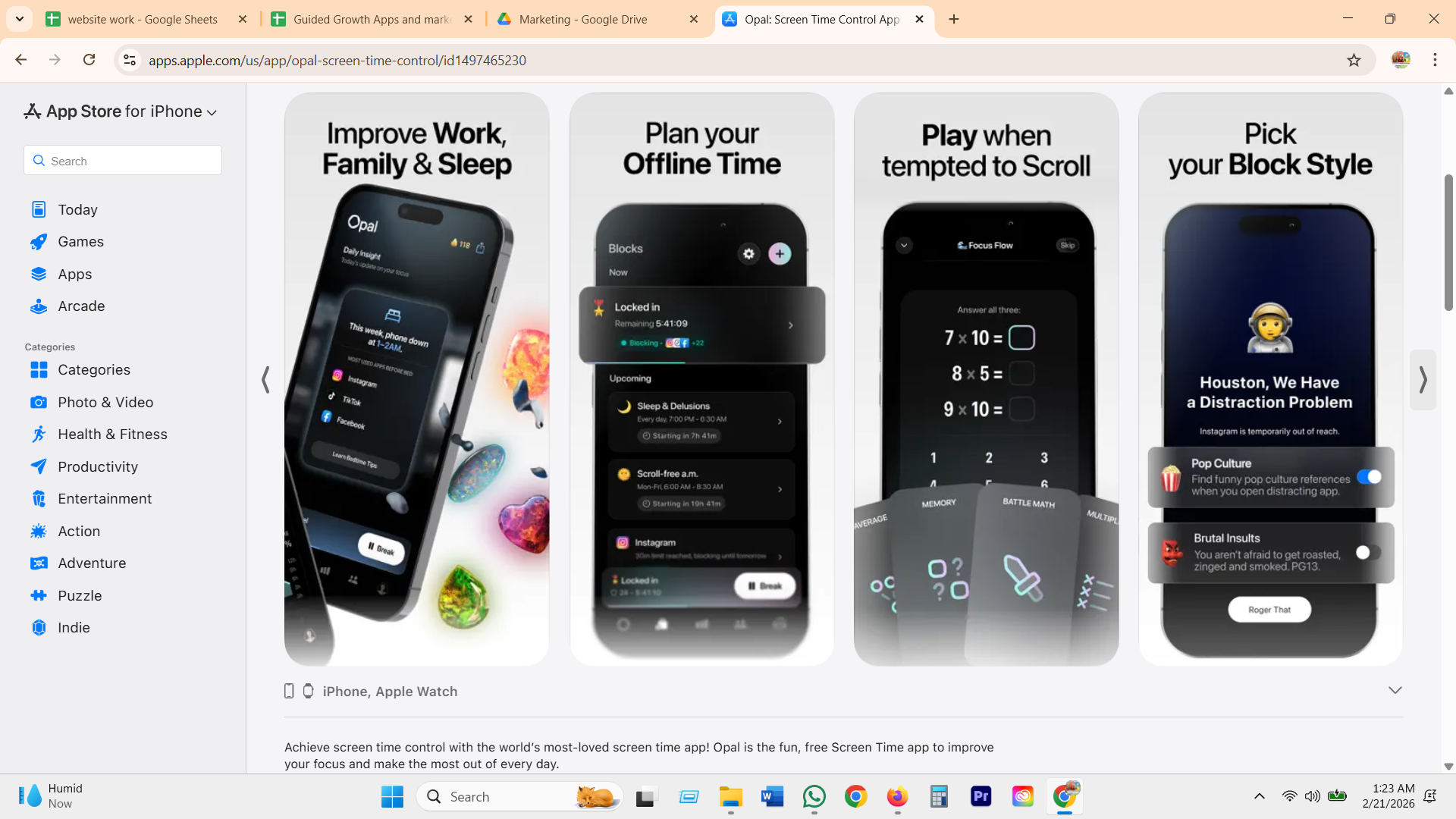
Home screen shows Focus %, total screen time, top "Culprits," a "For You" tip, and an explicit week-over-week percent change ("down 27% since you installed Opal"). The Focus Score doubles as a currency: gems and cosmetic block-style unlocks sit on top of it.
GG's version: the same week, told two honest ways
What GG does
- Takes Opal's week-over-week delta and RescueTime's standing Goal, but attaches both to a boundary the user named, not a category label or a leaderboard rank.
- Never claims Rize or RescueTime's exact per-app granularity for the coach itself, because on iOS it genuinely cannot have it. The tripwire model, category and window thresholds, is the honest ceiling, and GG says so out loud instead of implying more.
- Skips StayFree's "wasted time" scoring language entirely. The week grid reads as kept or missed, never as a moral score.
- The full exact report (RescueTime and Rize's whole pitch) still exists, it just lives in the user's own sealed on-device view, one tap away, not inside the coach's memory.
Motivation, streaks, and progress
Progress, not perfectionEvery blocker in the category needs a reason to open it again tomorrow. Most reach for trees, gems, and streak counters, then watch a bug or a bad night turn that same counter into the reason a user quits.
Why it matters
A counter that can hit zero teaches one story: perfect or failed. Reviews across this category repeat the same pattern, a bug, a mis-tap, or a rough week breaks a streak or kills a tree, and the tool that was supposed to help now feels like one more thing that judged the user and lost. GG needs a way to show real progress that survives a bad night, because a bad night is exactly when the user needs the coach, not a red screen.
Forest
the living tree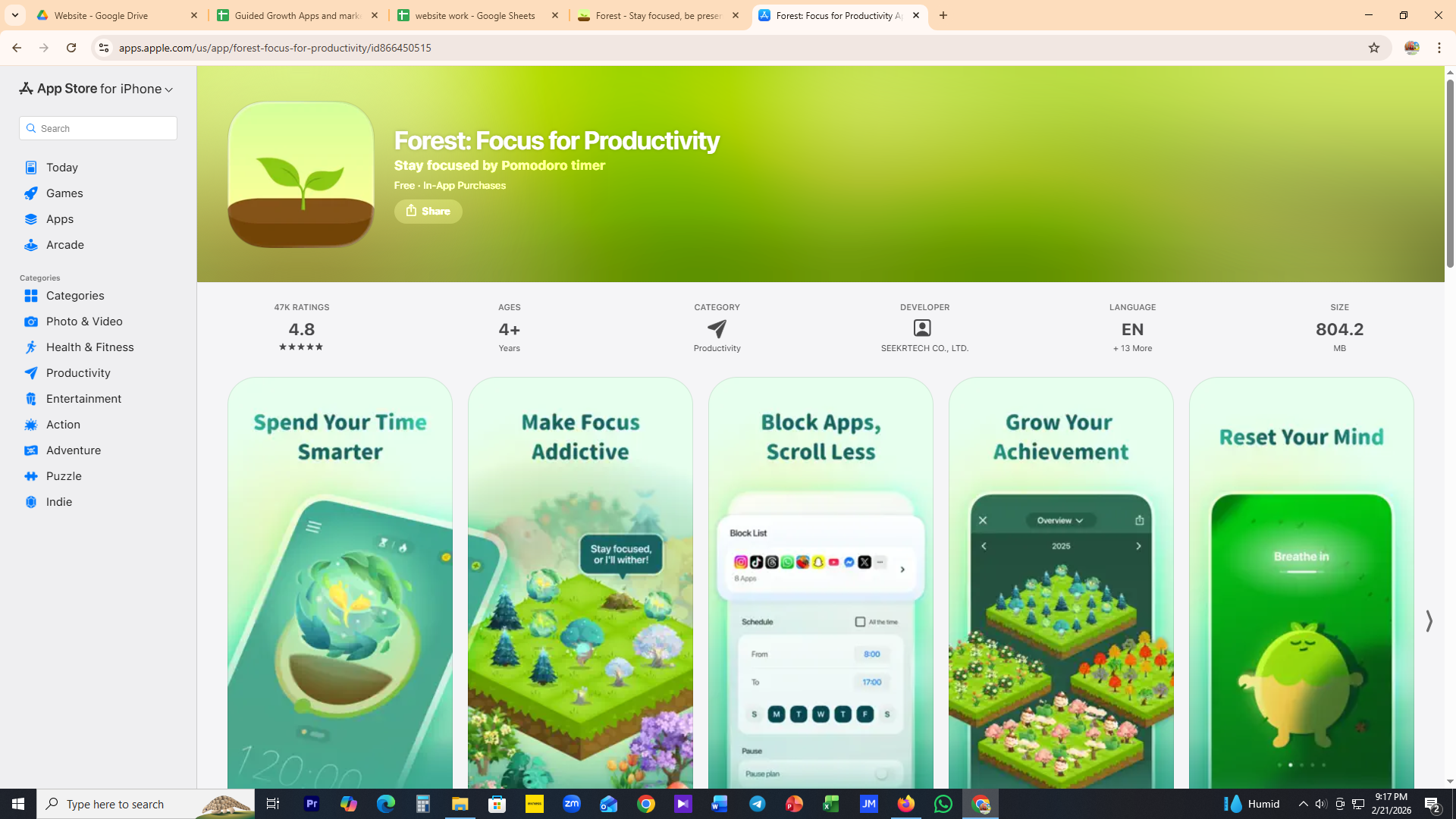
A tree grows while you focus and withers the moment you leave the app or open a blocked one, with a whole forest of past sessions to look back on and a group mode where everyone's tree dies if one person breaks focus.
Opal
Focus Score & gems
A gem currency, a Focus Score, cosmetic block-screen skins, and a public leaderboard against friends and strangers. The heaviest points economy found anywhere in this research.
Roots
gamified / Monk ModeRanges from playful, game-like unlock actions to a strict Monk Mode that will not turn off until the next day, its version of a motivation floor.
ScreenZen
streak at the decision point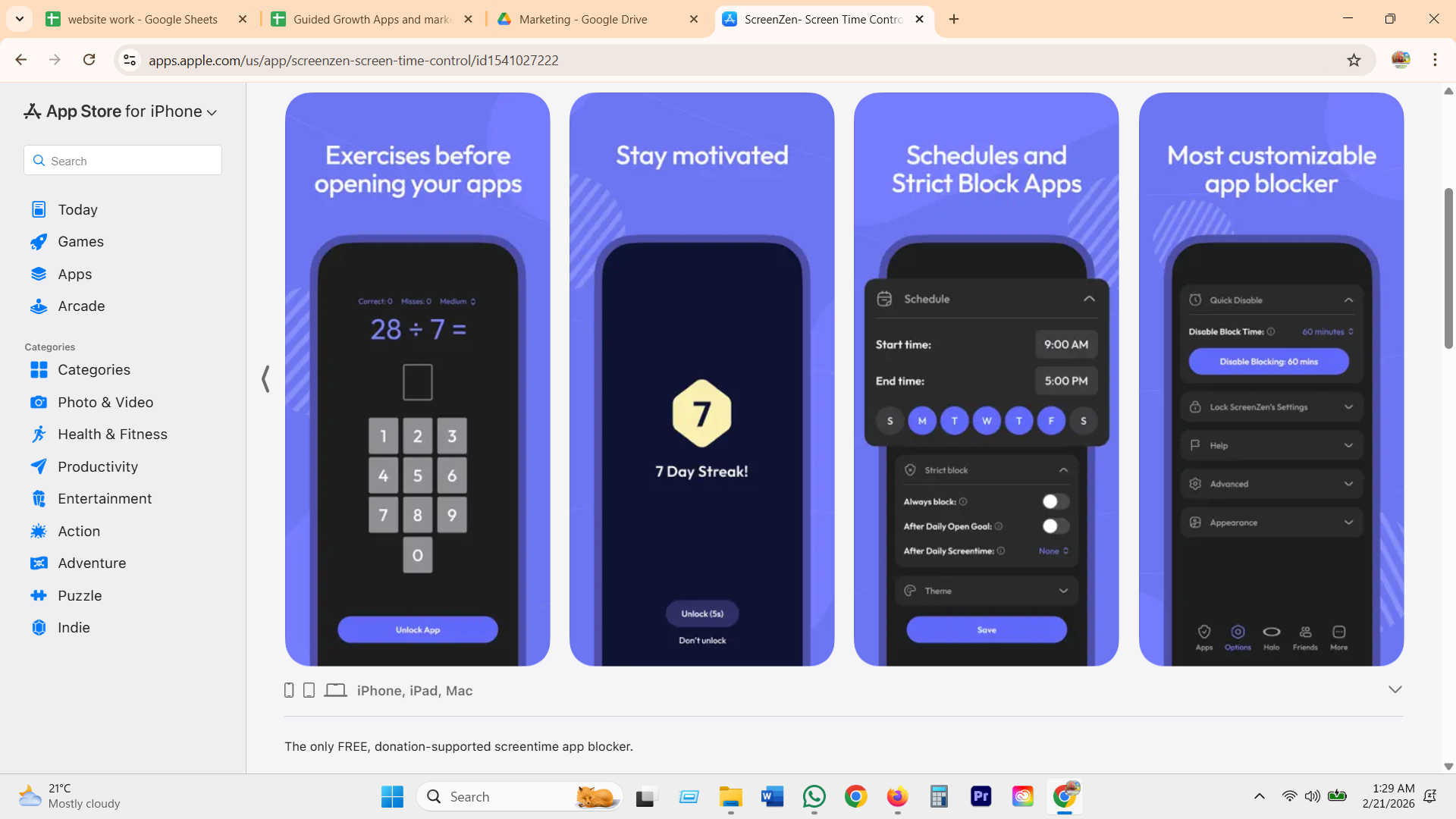
Puts a "Day Streak!" counter directly on the unlock screen, next to Unlock (5s) and Don't unlock, so the number sits at the exact moment of temptation instead of a stats tab no one opens.
GG's version: a week you can trust, not a streak you can lose
This week
5 nights held, 2 did not. Tap a red day to hear how the coach reads it.
What GG does
- Takes Forest's felt weight and ScreenZen's timing, showing the week right where it matters, but nothing in the picture can die or reset to zero.
- Skips Opal's gems, cosmetics, and stranger leaderboard entirely. Reviewers call that layer bloat, and comparing against strangers on a shame-adjacent habit demotivates rather than helps.
- A missed night opens one short, optional question, not a red failure screen. The coach treats the miss as information about that night, not a verdict on the person.
- The recovery line always lands on the same math, how many nights actually held, not how many in a row, so one hard night cannot erase a real week of progress.
Accountability and social
GG wins hereThe category's answer to "will anyone notice" is a leaderboard or nothing at all. GG makes sharing a single optional choice, one person, one boundary, and lets the coach itself stand in as the accountability partner when there is no one else to tell.
Why it matters
Accountability works when someone else knowing raises the stakes a little. It backfires when that someone is a stranger on a public leaderboard and the user is already a bit ashamed of the number. Most of the category's answer is comparative and visible to a group. GG's answer is private by default, one person by choice, and covered either way by a coach who remembers the boundary whether or not anyone else ever finds out. That matters most for the user with nobody to loop in.
Jomo
Squads
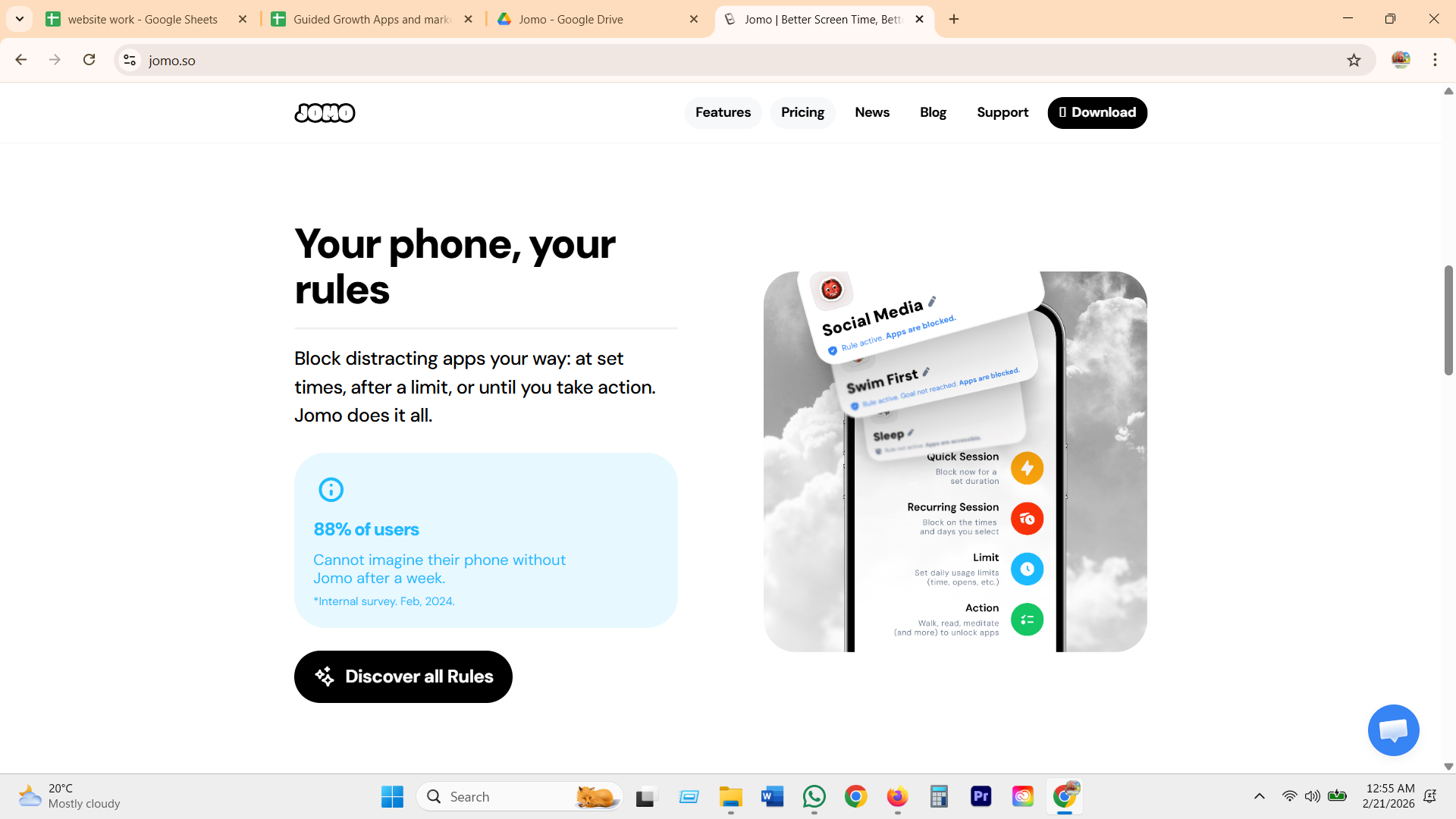
Squads let you share your screen time with family, friends, coworkers, or a community and challenge yourselves to reduce it together, plus a Focus Club trend view. Jomo's own help center calls it "a non-invasive approach, focusing on shared time rather than monitoring specific apps," the softest version of a leaderboard found in this research.
Opal
Focused Few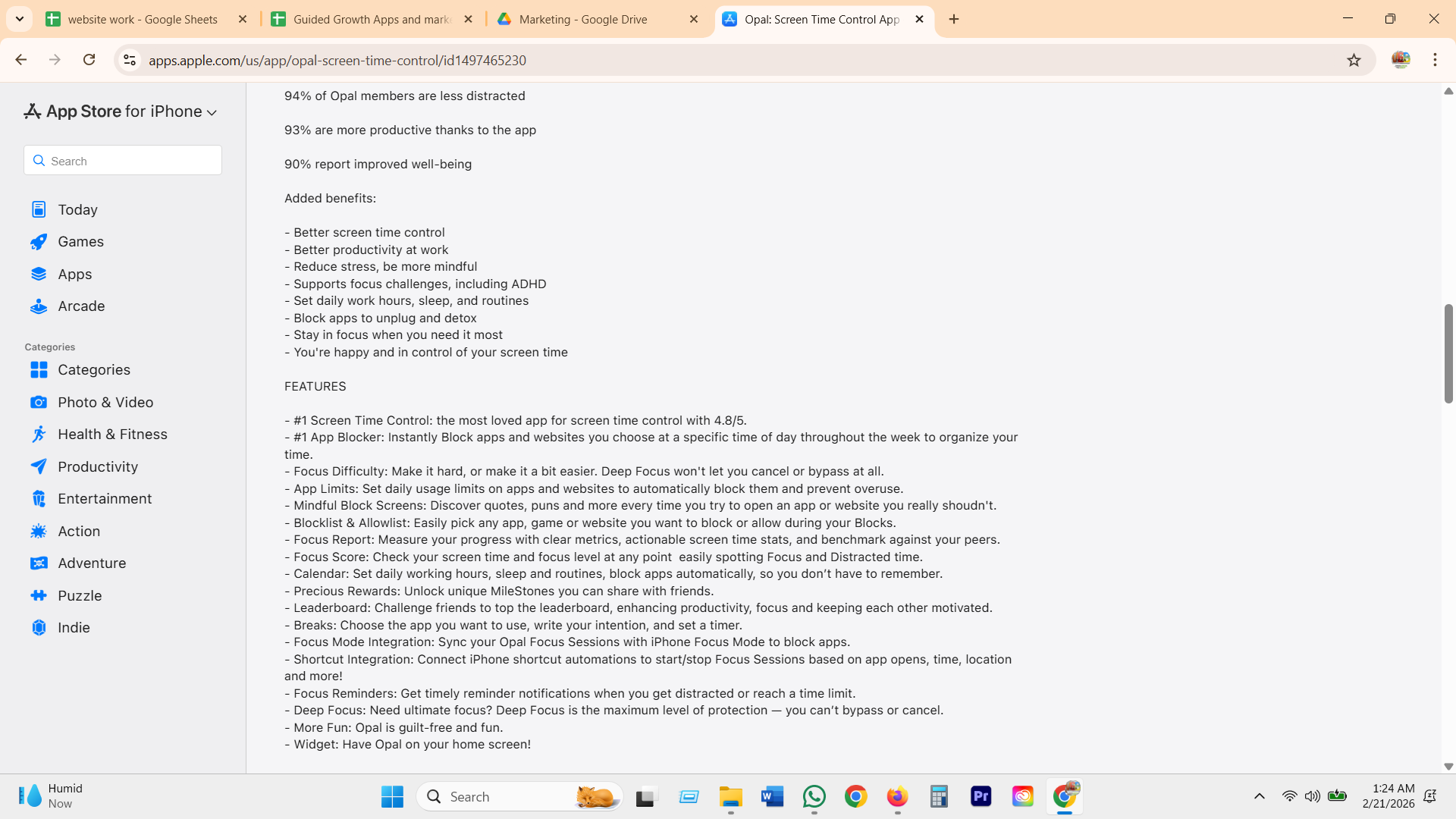
A friends leaderboard ranked by screen time, streak, and focus hours, deliberately withheld until day 14 of Opal's 30-day onboarding program so habits form before social comparison enters the picture.
Freedom
recurring sessions
Freedom's signature move is a named, recurring session (Deep Work Mornings, 6am to 10am, Monday to Friday) synced across every device you own. Strong as a solo commitment device, but this research pass found no group or partner-visibility layer attached to it at all.
Focusmate
the stranger who shows upBook a slot, get matched with a stranger over video, say your task goal out loud, work independently on camera for 25 to 75 minutes, then check in together at the end. Presence as accountability, a genuinely different lever than blocking or scoring. Free for 3 sessions a week.
ScreenZen
pause plus a streak
ScreenZen's core mechanic is an escalating pause before a chosen app opens, climbing from about 5 seconds toward 60 by the tenth daily attempt, with a streak counter shown right on the unlock-decision screen. Its own privacy page mentions optional social accountability data, though the partner mechanic itself is not detailed anywhere in this research.
GG's version: one person, by choice, or nobody
Evenings with Maya
Protected 7 to 9pm, kept 5 of 7 nightsWhat GG does
- Takes Jomo's Squads idea, share totals, not surveillance, and Opal's Focused Few, a visible boundary among people who matter, but shrinks both to one person, opt-in, and never a public leaderboard. No comparison against strangers, the exact thing Opal's own community calls "a little discouraging."
- Grounds the design in the single clearest proof point in the whole research pass, a Clearspace user writing "I really like being able to track progress with my brother." A partner only helps when they are emotionally real to the user, so GG never auto-suggests a group. One person, or nobody, both are fine.
- The share itself is one line, "Evenings with Maya, protected 7 to 9pm," never app names, never minutes, never a dashboard export.
- For the user with no one to loop in, sharing being off changes nothing about the coaching. The coach already remembers why the boundary exists and will ask about it later, the same relationship Focusmate tries to manufacture with a booked stranger and a camera.
The reflection and coaching loop
GG onlyWhat happens after a boundary is kept or missed. The category stops at the number. GG is the only one that asks whether the number meant anything.
Why it matters
Every serious blocker can tell a user they saved 42 minutes today. None of them can tell a user whether saving those 42 minutes made the evening they actually wanted more likely. That second question needs a memory of how the person's evenings have felt, not just a log of app opens. GG already keeps that memory from its reflection and mood check-ins, so it is the one place in the category that can put a kept or missed boundary directly beside the user's own words and ask, gently, whether it fits.
Opal
the scoreboard
Focus Score, day streaks, and lifetime focus hours, reported cleanly and updated constantly. It is genuinely good at making progress visible.
Streaks, generally
one sec, Forest, ScreenZenA miss commonly resets a streak or a tree. The mechanic rewards not breaking a chain, not understanding why the chain broke.
RescueTime, Rize
measurement onlyGranular time-tracking, categorized by app and hour. Built for people who already know what they want to change and just need the data.
GG's version: the boundary meets the reflection
What GG does
- Takes Opal's instinct to make progress visible, but replaces the lone number with the user's own words about how the evening actually felt.
- Never says the boundary caused the feeling. It asks "does this fit?" and treats "not really" as just as useful an answer as "yes."
- A missed boundary does not reset anything or turn red. The same check-in still runs, because the reflection matters more on a hard night, not less.
- The coach only draws on what it already has, the boundary status and the user's own reflection and mood, never raw phone activity it was never given.
Recovery after a slip
GG wins hereWhat happens the moment after a boundary gets missed or overridden. Almost every blocker treats this as a failure to punish. GG treats it as information to use.
Why it matters
A slip is not the end of the story, it is data, but this category almost always makes it a moral event: a broken streak, a hidden bypass with no record of it, or a hard lock with no way out. Users who get burned once by a punitive lock or a broken streak learn to evade the tool, disable it, or quit it outright, and the whole enforcement loop collapses the moment it stops feeling fair. GG's opening here is not a stricter wall, it is an honest recovery, log the moment without shame, then use the pattern to make the plan fit the life the person is actually living.
one sec
the loophole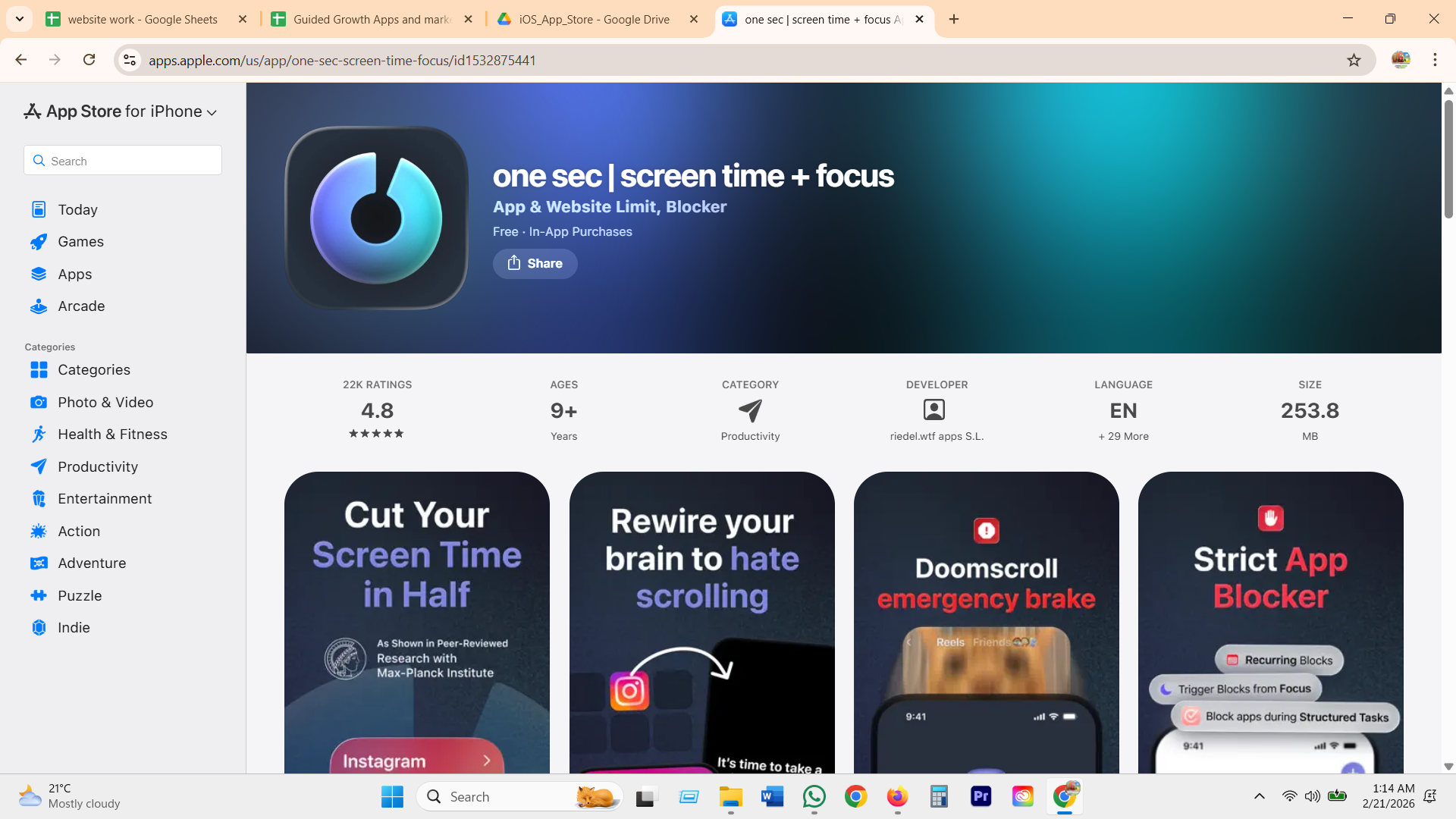
The rotating breathing pause and reason chips are real friction in the moment, but the actual override sits one layer down: turn off the Screen Time permission in iOS Settings and the whole system disappears with it. Nothing gets logged, nothing gets talked through, the slip just evaporates.
ScreenZen
the streak break
A streak counter sits right on the unlock-decision screen next to Unlock and Don't unlock, which one reviewer said was exactly what stopped them from "just unlocking" and "breaking my streak." The same reviewer turned frustrated when bugs made the lockout duration wrong, so a technical glitch read as a personal failure.
Opal
the deep lock
Deep Focus mode has no early exit, and deleting the app does not lift the block either. That is exactly what people who wanted a real commitment device praise, but a separate reviewer reports the app still blocked after deletion by mistake, which turns one accidental setup choice into a lockout with no visible way back.
AppBlock
Strict Mode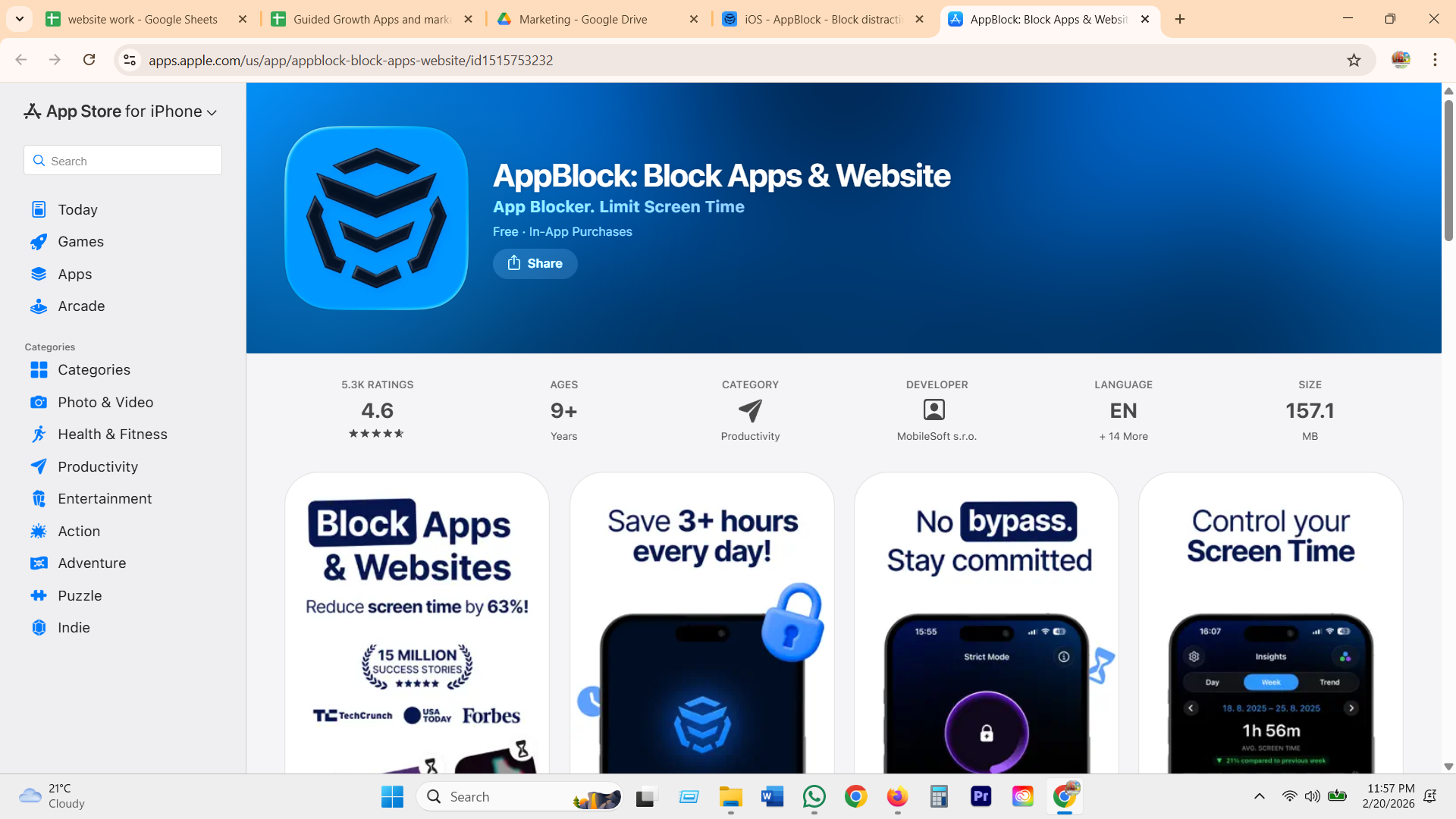
Strict Mode is the most hardened lock in the category studied, once active it can block uninstalling the app itself and even lock device settings entirely on Android. It is popular with people who want the decision taken out of their hands, but the research is blunt that a lock this total turns the app into an adversary the moment someone actually needs out.
Roots
Monk ModeMonk Mode is a literal hard lock that cannot be turned off until the next day, a valid choice for someone who wants a true commitment device. But a fixed timer has no room for the ordinary reasons life actually interrupts a plan, an emergency, a missed alarm, a genuine need, so the only response to any of them is the same wall.
GG's version: the slip becomes a calibration, not a failure
What GG does
- Takes ScreenZen's honesty about tracking a boundary and Roots' idea of a real commitment device, but drops the punishment: an override gets logged, never a red failure, and no streak resets for it.
- Directly answers the gap the research names: when one boundary holds and a nearby one keeps slipping, the coach proposes moving the second one instead of locking harder.
- The override log stays visible to the user in plain language, not a hidden violation record like Strict Mode or a setting that quietly vanishes like one sec's bypass.
- Nothing here needs an unbreakable lock. The plan gets more honest instead of more strict, which is the actual fix for the "prison" complaints Opal and Roots both draw.
Privacy and what the coach knows
Shown, not promisedEvery blocker in this category already claims to respect your privacy. GG's opening is not a new promise, it is showing that promise as something you can tap through, instead of a policy page nobody reads.
Why it matters
On standard iOS, Apple physically seals exact app names and per-app minutes inside a report that cannot leave the phone, no matter what any company says in its privacy policy. That is not a GG feature, it is a platform fact every serious blocker on iOS shares. The real differentiator is not whether GG can honestly say "I don't see everything", almost everyone in this category can. It is whether GG shows exactly what the coach knows, in plain language, right where the user is already wondering.
Opal
display, don't store
Opal says it can display information about a used app on your own screen without storing it, and that detailed Android usage stays on-device. The promise lives in a help article, not on a screen you'd actually see day to day. source
one sec
the hidden token
one sec hides the identity of the app you picked behind a cryptographic token, so the app itself never has to know which app it is pausing. A genuinely private piece of engineering, buried in a technical write-up. source
Jomo
no access, on paper
Jomo states plainly that it has no access to a user's app and content data, the same category-standard line every serious blocker uses at signup. source
GG's version: the promise becomes a screen you can check
What I can see
Your detailed report
- You named this group "late-night feeds"
- It crossed the 60-minute boundary tonight
- You chose "five more minutes" at 10:52
- You told me it was to avoid an email
What GG does
- Takes Opal's and Jomo's on-device promise and one sec's identity-hiding architecture, but stops leaving the proof in a help article. It becomes a screen the user can actually open.
- Shows two layers side by side on purpose: the same detailed report every blocker already renders locally, and a separate, honest card labeled with exactly what the coach uses.
- The toggle answers the question every reviewer asks in different words, "what can this app actually see?", with a plain sees/never-sees list instead of a settings maze.
- Nothing here is a moat a competitor could not also build. On-device handling is table stakes among serious iOS blockers. What GG adds is a coach that can talk about its own limits out loud, in the user's own moment, not bury them in a privacy policy.
Paywall and pricing
Priced honestlyThe screen where a user finds out whether the thing that just helped them was ever really theirs. This is also the richest folder in the whole research set, real pricing pages exist for almost every app in the category.
Why it matters
A paywall is a trust test, not a checkout page. The category's own reviews show this is where goodwill breaks hardest: a feature that was free gets pulled behind a subscription, one company states three different prices across three different pages, and the override that is supposed to keep a person safe sometimes sits behind the exact fee they are trying to avoid. GG's paywall has one job, never make someone doubt the boundary they already set.
one sec
gated intentions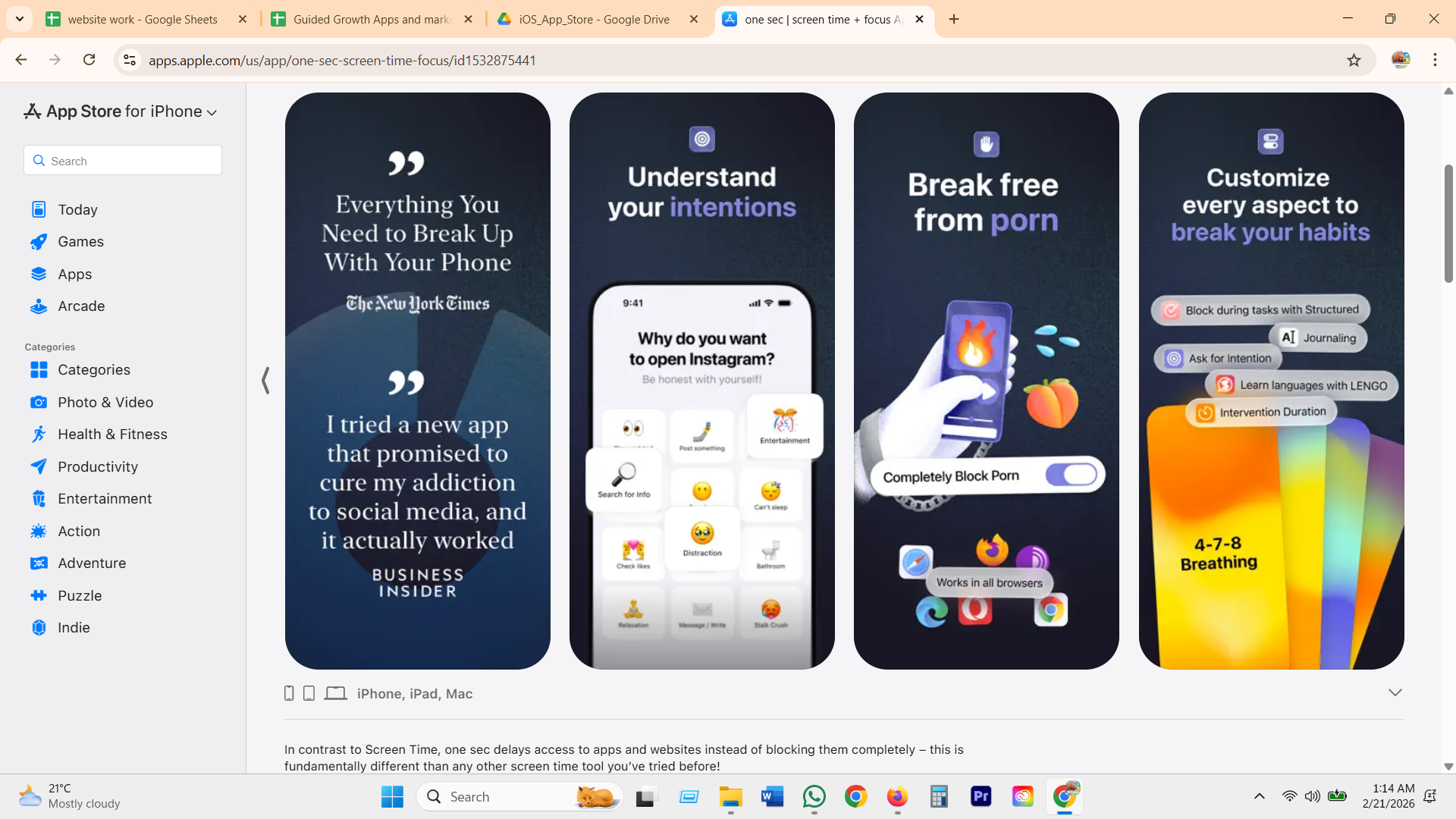
The breathing pause is free, but personalization like Journaling, Ask for Intention, and custom intervention duration sit behind a subscription. A one-time lifetime license (around $40) is floated in user discussion as the honest alternative to recurring fees.
Opal
the loved mechanic, locked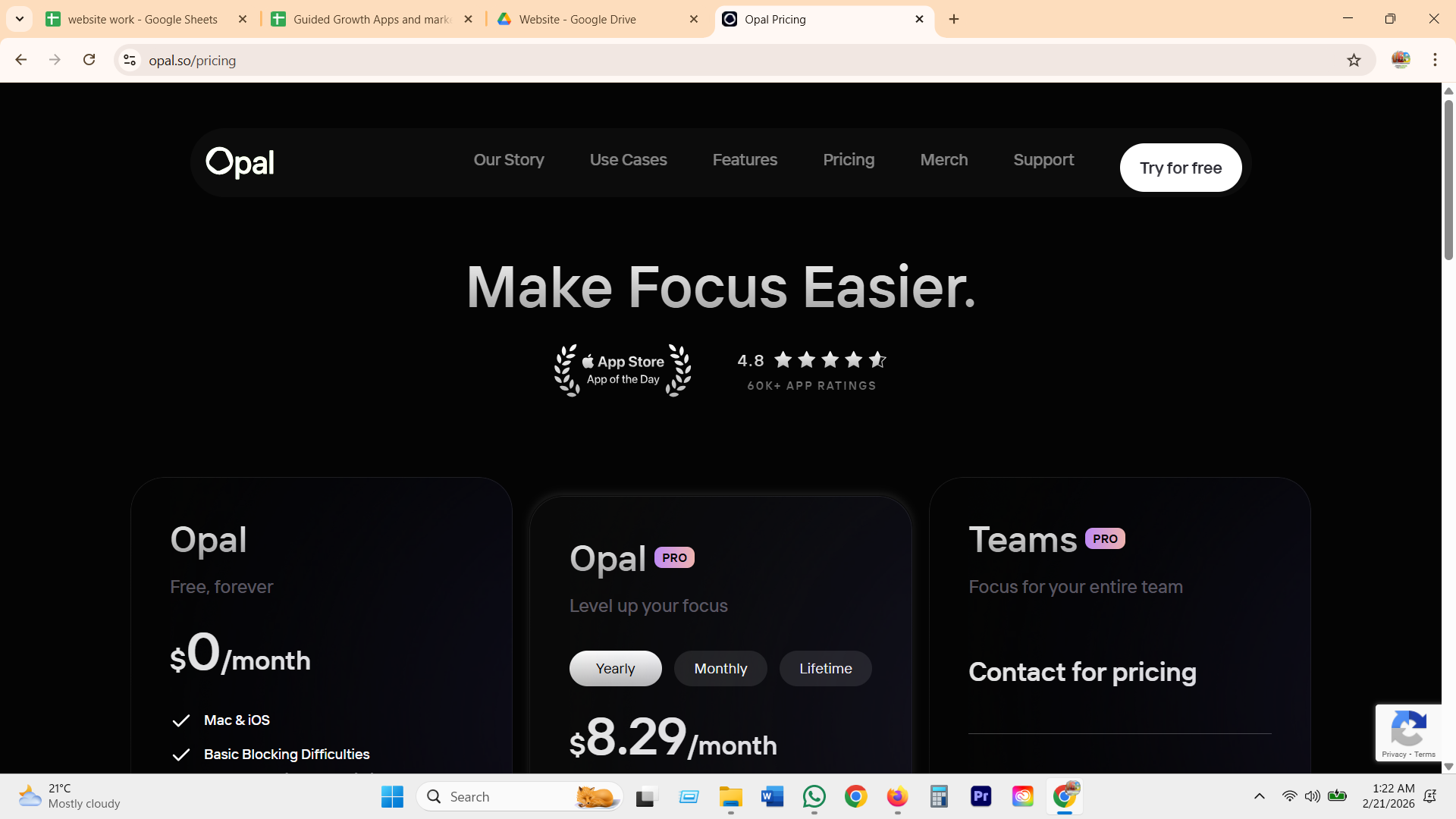
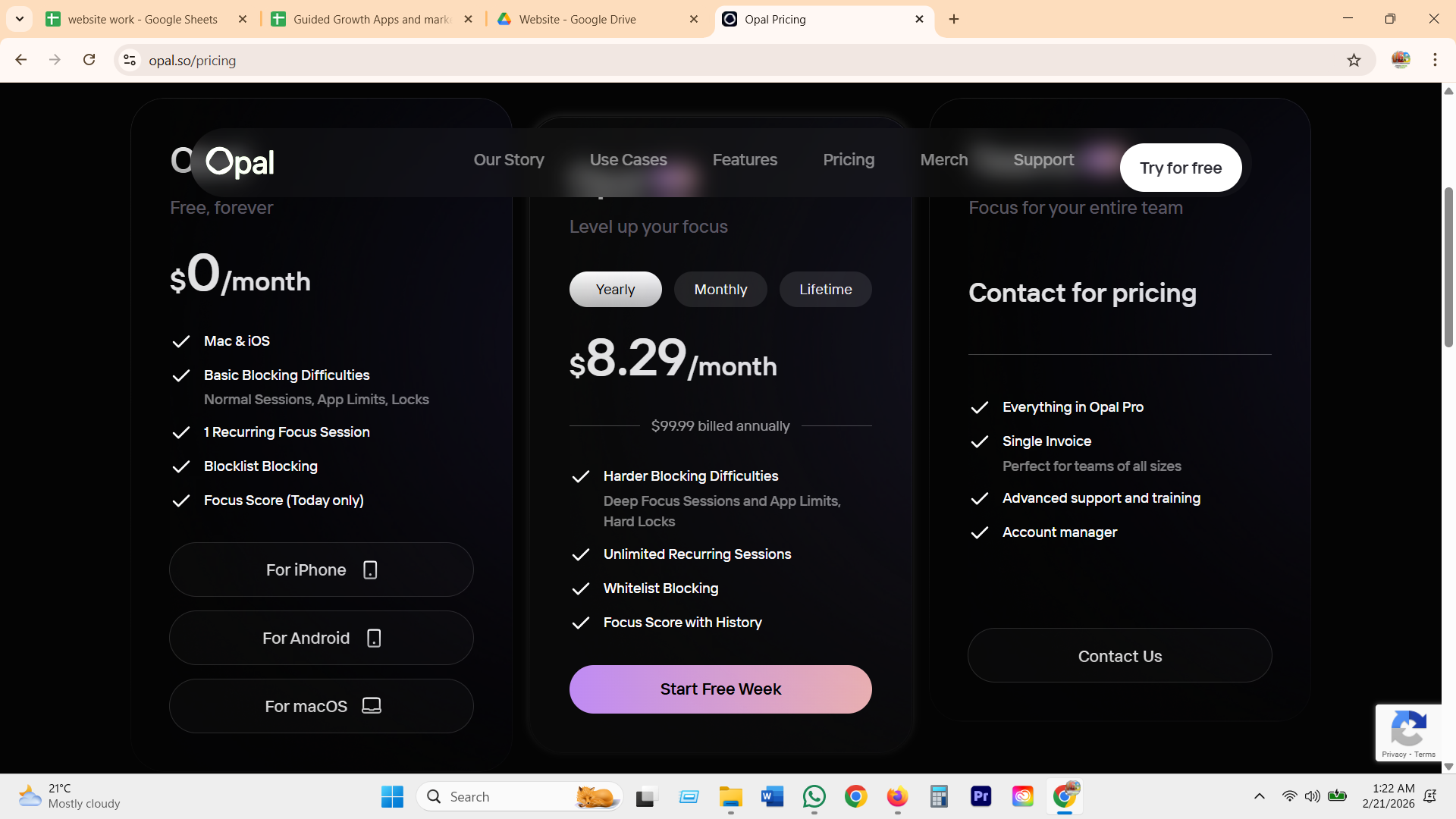
Free forever tier gives basic blocking and a same-day Focus Score. Deep Focus and Hard Locks, the exact mechanic users describe crying with relief over, sit behind Pro at $8.29/month ($99.99 billed annually). A Teams tier hides its real price behind "Contact for pricing."
Jomo
buy it once, own it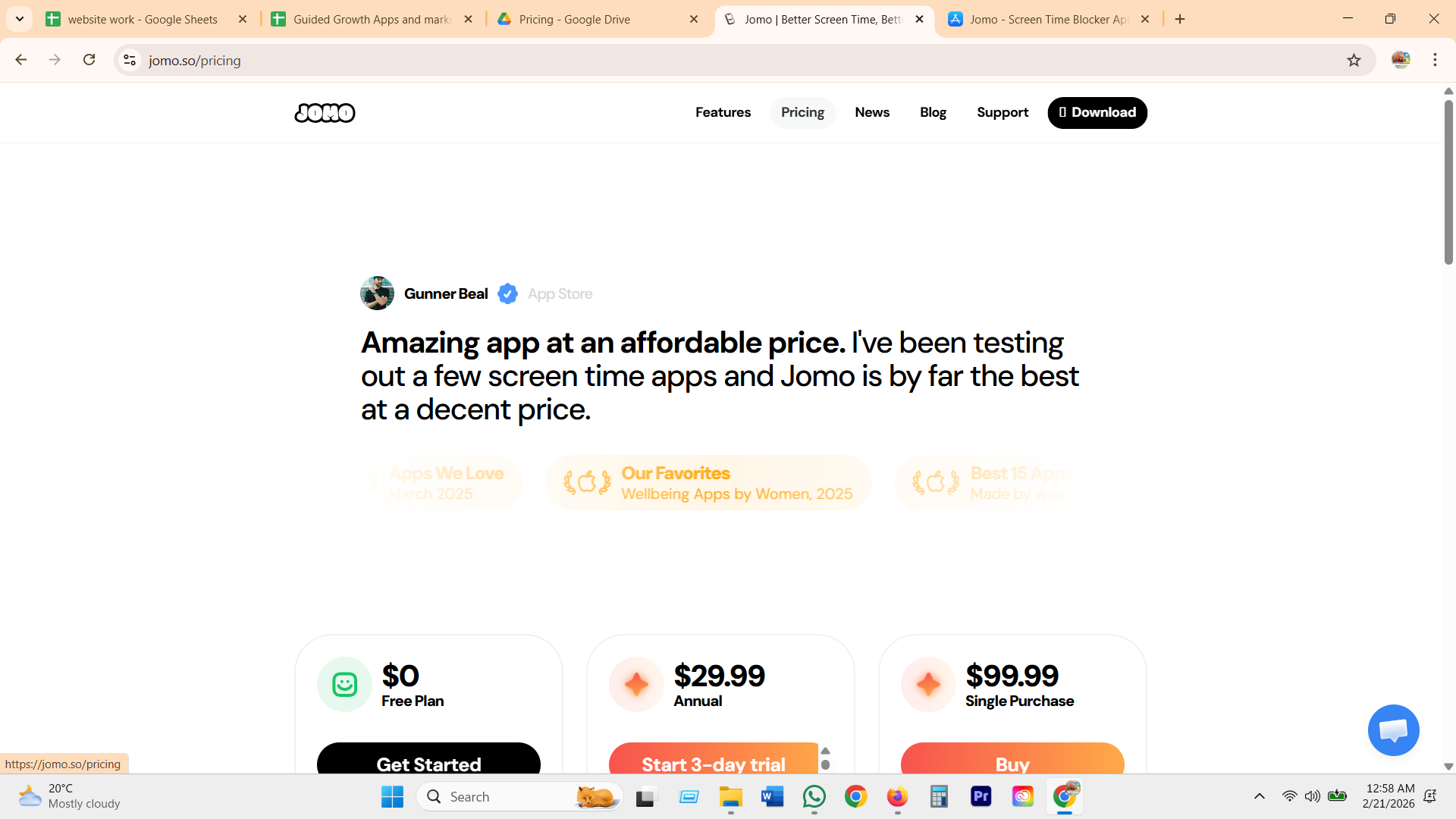
Free plan already includes Squads and Reports. Annual is $29.99 for Strict Mode and up to 10 sessions. Single Purchase is $99.99 once, forever, shared with 5 family members, plus a $14.99/year student tier, a rare, real escape from subscriptions in this category.
Freedom
a generous free tier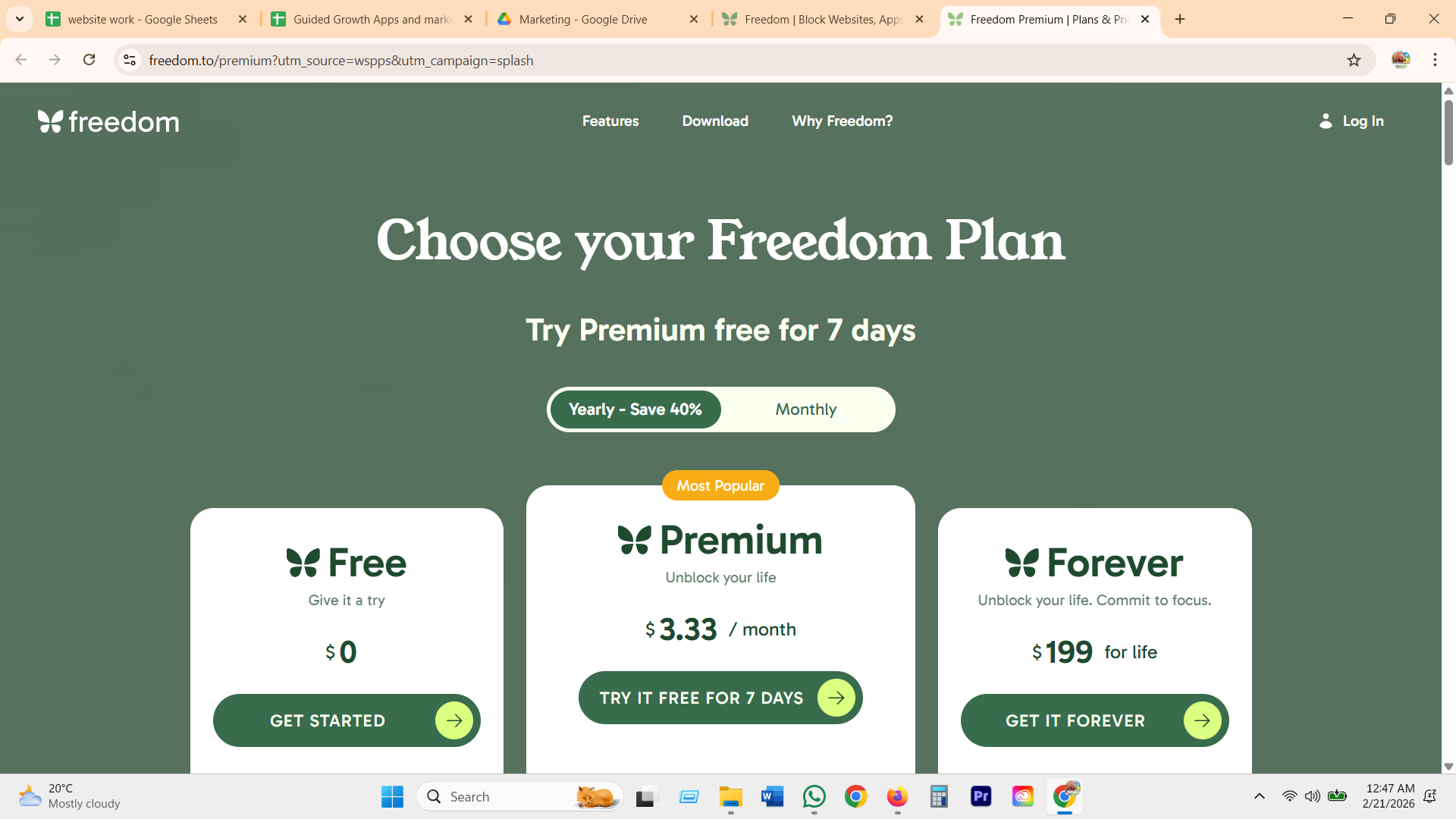
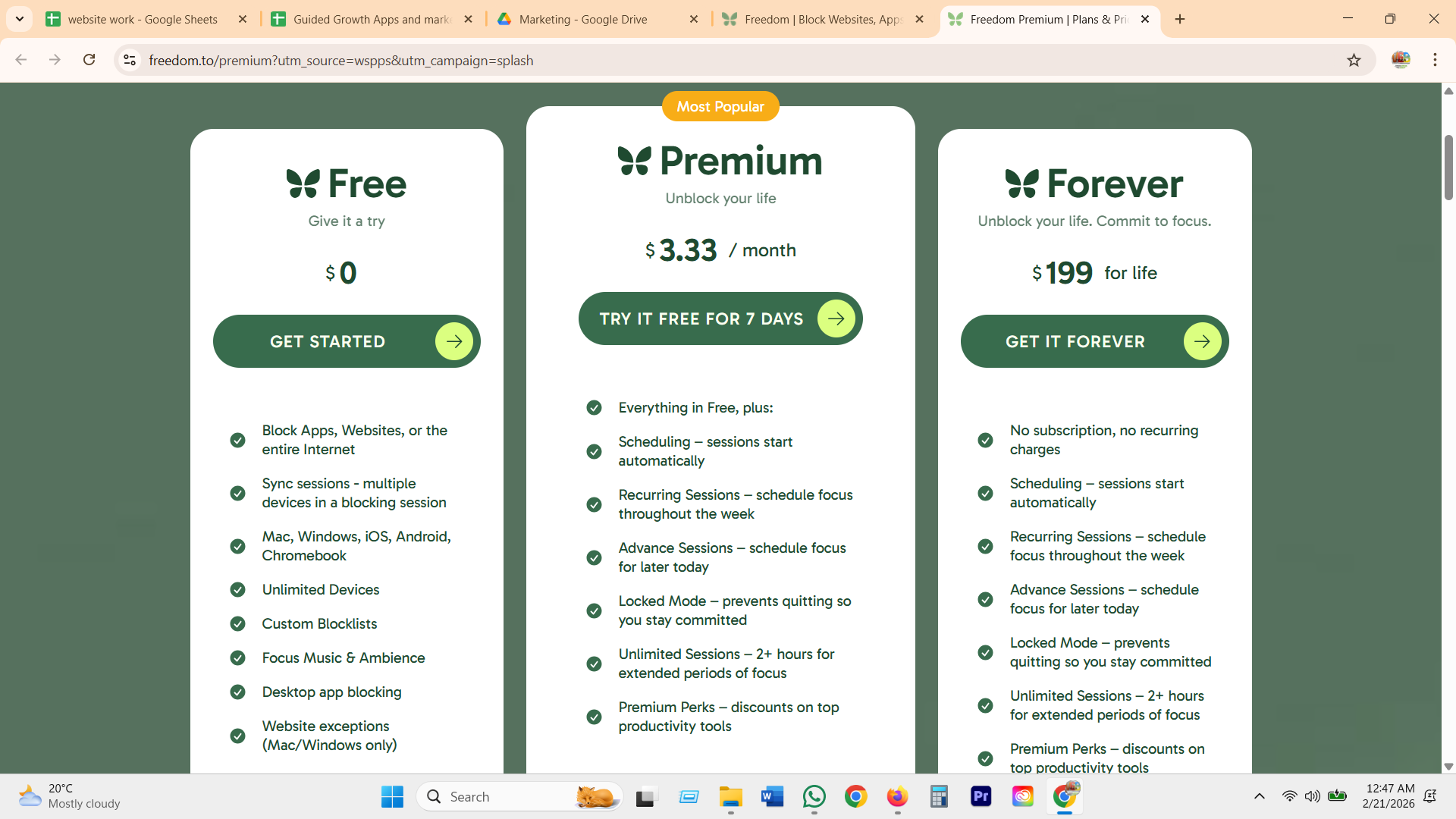
Free already blocks apps, websites, or the entire internet, synced across unlimited devices, with custom blocklists. Premium ($3.33/month, billed yearly, 7-day free trial) adds scheduling and Locked Mode. Forever ($199) removes the subscription outright.
ScreenZen
free core, paid hardware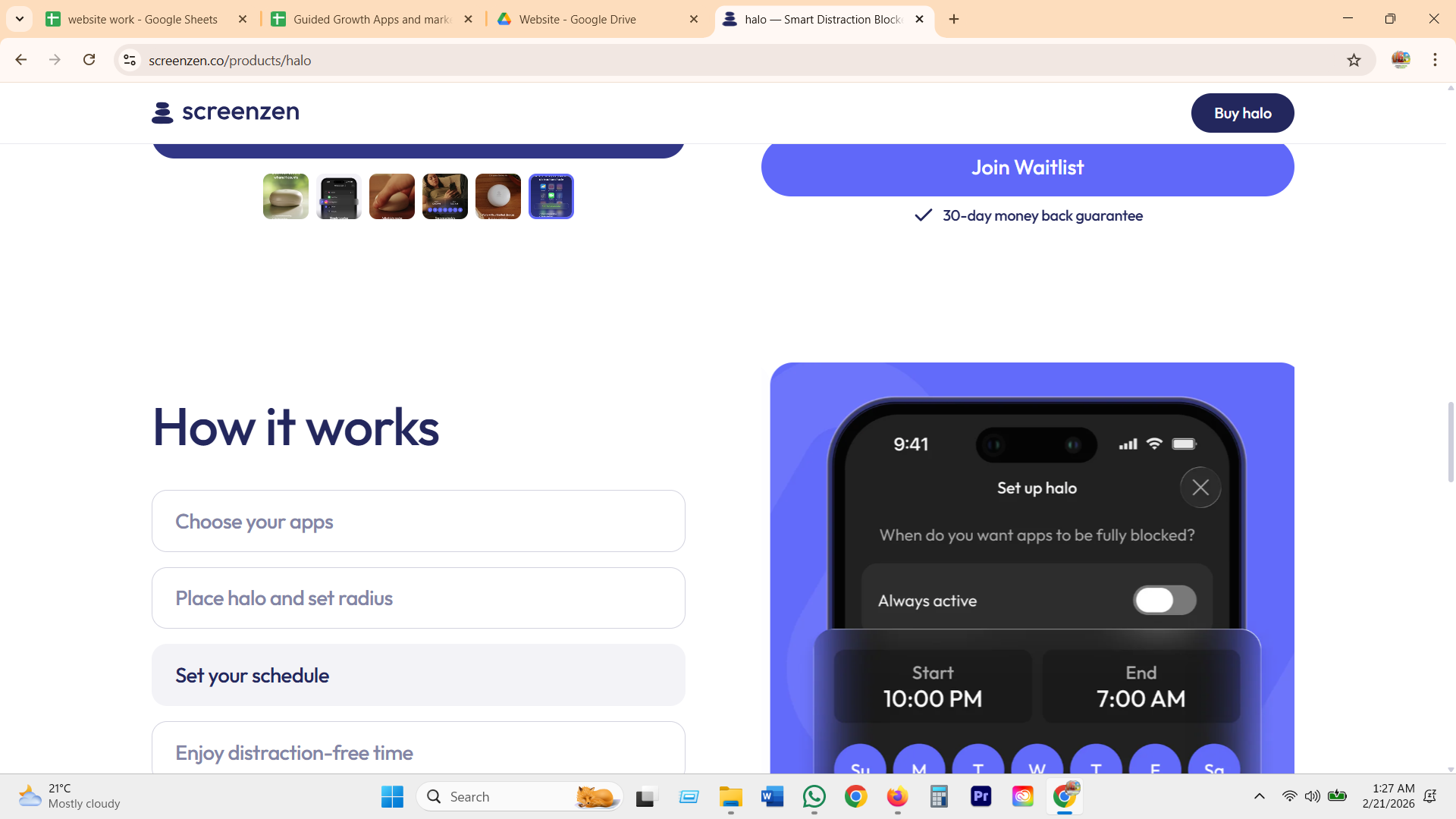
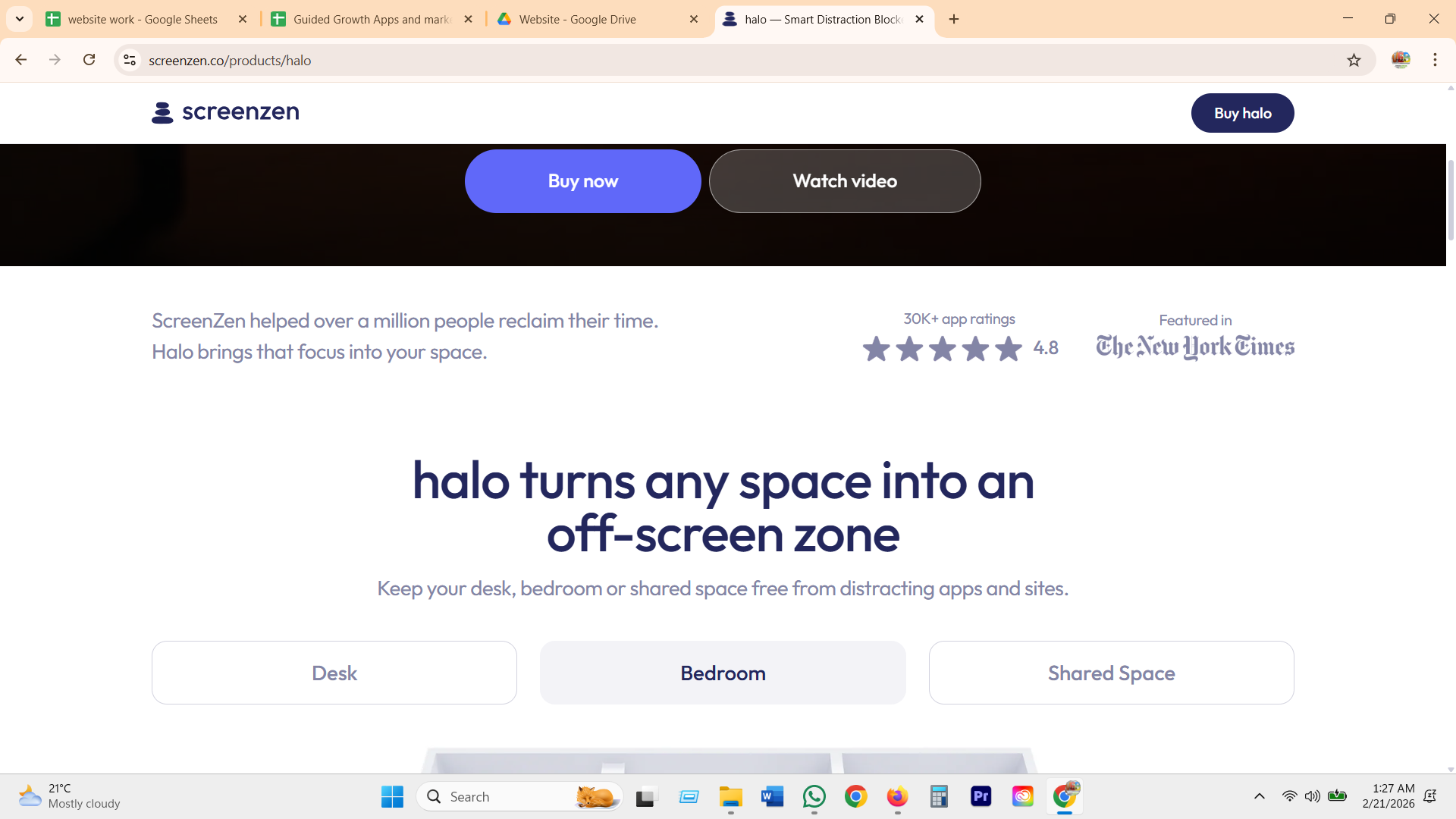
The core app itself is free and donation-supported, no subscription at all, a real rarity in this category. The only paid product is Halo, a $49 one-time physical geofencing puck that blocks apps only near a set radius, backed by a 30-day money-back guarantee.
Clearspace
the price nobody agrees on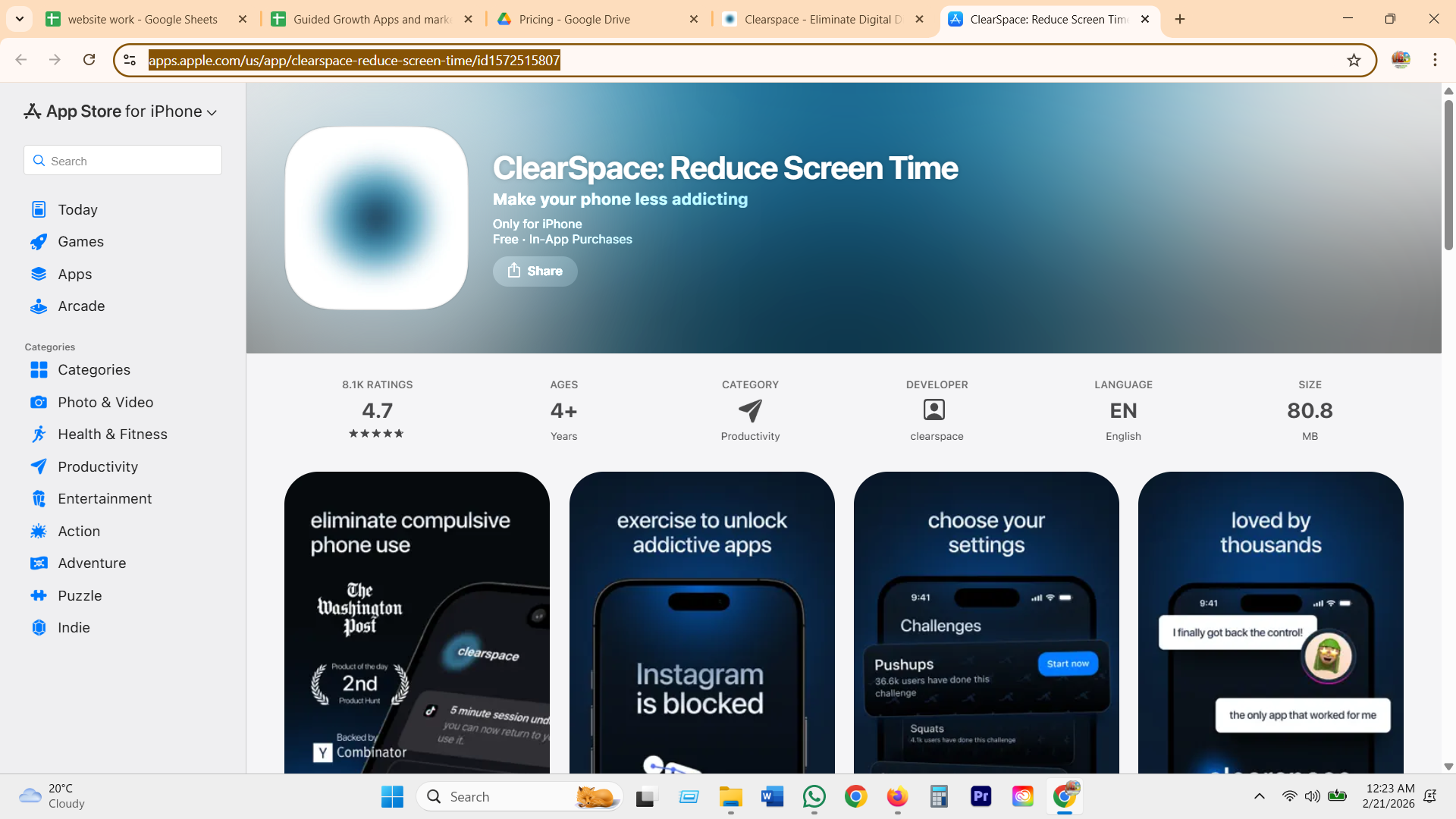
App Store lists it "Free, In-App Purchases," but the actual price is reported three different ways across sources: $7/month, $50/year, and a $9.99/week trial. On its own Launch HN thread, an early user called the subscription "egregious" next to One Sec's $40 lifetime license.
GG's version: nothing to unlock, nothing to lose
Free to start. Paid to go deeper.
- Name your reasons, set your boundary
- The blocked-moment orb, full conversation
- Honest overrides, no shame, no streak reset
- The Weekly: your boundaries beside your own reflection
- The coach remembers your "why," every time
- Unlimited boundaries and voice check-ins
What GG does
- Takes Jomo's rare one-time-purchase honesty and ScreenZen's free-core trust, then goes further: the free tier is not a stripped demo, every safety feature, naming your reasons, the blocked-moment orb, the honest override, works fully for free.
- No feature that worked for free today gets pulled behind a paywall tomorrow, the exact complaint One Sec and Opal users make about their redesigns.
- No paywall ever appears at a block hit or a vulnerable moment. The coaching layer is the upgrade, never the safety net.
- One plain price, monthly or yearly, no $7/mo vs $50/yr vs $9.99/week confusion like Clearspace's, no "contact us" tier hiding the real number like Opal's Teams plan.